



Keeping track of money on a construction project is rarely straightforward once work is underway. Labor hours shift, material prices fluctuate and change orders make planned costs shift. A job cost report gives teams a clear way to stay grounded in the numbers, helping project owners, project managers and contractors understand how actual costs are shaping up as the job progresses.
What Is a Job Cost Report?
A job cost report in construction is a financial document that tracks all costs incurred on a specific project against the budget. It typically organizes expenses by cost codes, such as labor, materials, equipment and subcontractors. The report shows the project costs that were budgeted, what has been spent to date and what costs are still forecasted. Job cost reports are updated regularly during construction to reflect real-time spending and current financial status.
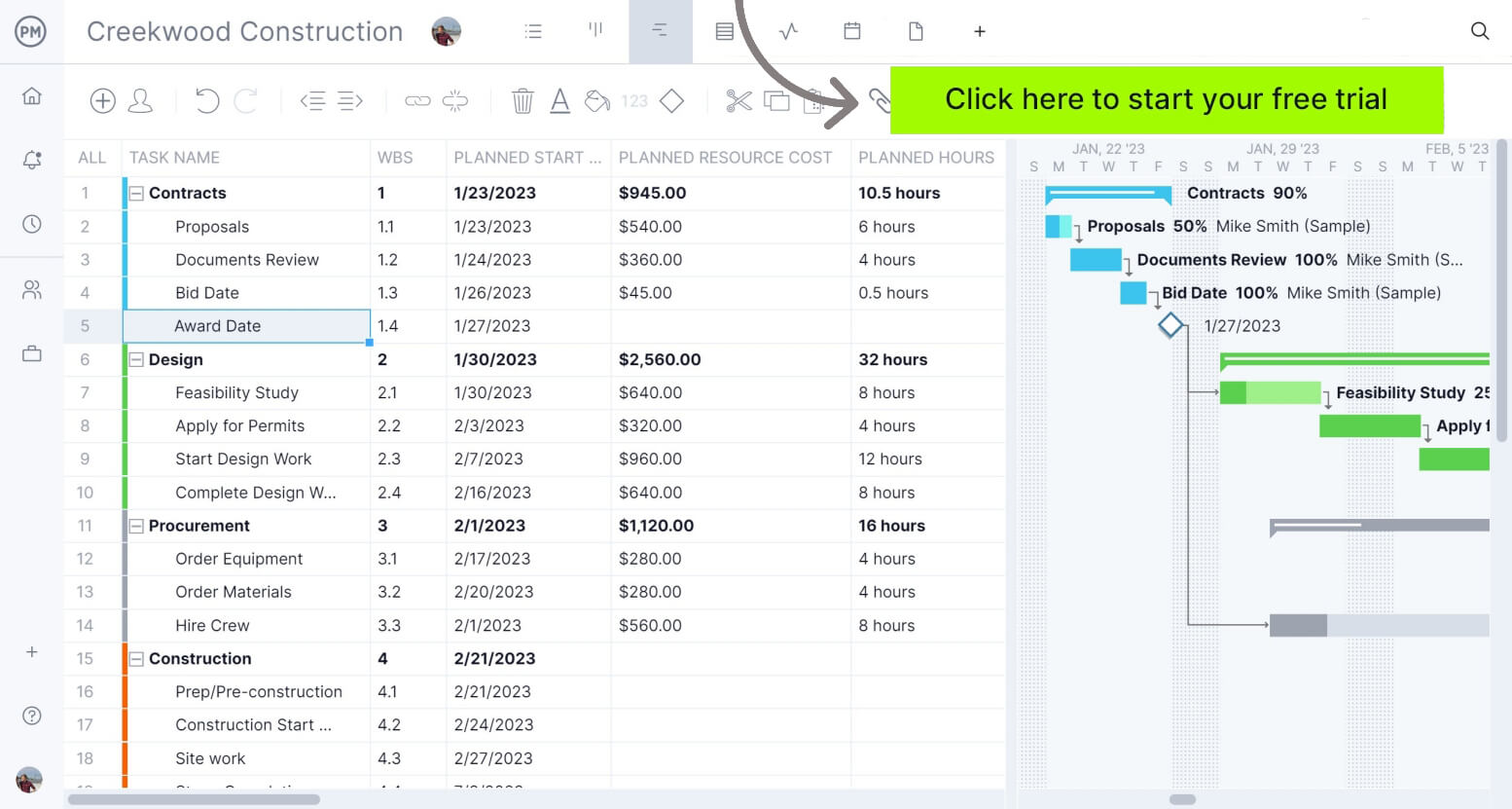
ProjectManager is an award-winning construction project management software that excels at resource planning, cost tracking and project reporting thanks to features such as timesheets, workload charts and real-time dashboards and reports. Get started for free today
What Is the Purpose of a Job Cost Report In a Construction Project?
The main purpose of a job cost report is to track how actual costs are developing as construction work is carried out, to contrast them against what was originally budgeted. It gives project teams visibility into where money is being spent at the cost-code level, helping them spot cost overruns, unused budget or abnormal spending patterns while the project is still active and decisions can still be made.
Job cost reports become especially important when projects experience change orders, fluctuating labor productivity, scope adjustments or shifts in material pricing. In these situations, the report serves as a cost control tool that supports updated cost forecasts, cash flow planning and funding decisions. By reflecting current conditions instead of static construction cost estimates, it allows teams to respond early and steer the project financially before small issues grow into larger problems.
Who Is Responsible for Creating Job Cost Reports?
The project manager is typically the role accountable for creating and maintaining the job cost report. They are responsible for ensuring costs are tracked accurately and reviewed regularly against the budget. That said, job cost reporting is still a team effort. The project manager relies on timely, accurate input from several roles across the field and office to keep the report current and meaningful as the project progresses.
- Project manager: Owns the job cost report, reviews cost performance regularly and uses the data to adjust forecasts, manage risk and guide financial decisions throughout the project.
- Superintendent: Provides field-level insight into labor productivity, completed work and upcoming activities that affect cost trends and help validate what is being reported financially.
- Project engineer: Tracks quantities, cost codes and approved change orders, ensuring costs are assigned correctly and supporting accurate updates to the job cost report.
- Estimator: Supplies the original budget and cost breakdown, helping teams compare current spending to baseline assumptions and understand where variances are occurring.
- Accounting team: Records invoices, payroll and vendor payments, ensuring actual costs are captured correctly and reflected in the job cost report on time.
- Procurement or purchasing: Shares material pricing, purchase orders and delivery updates that influence committed costs and future spending projections.
- Subcontractor managers: Confirm subcontractor progress, billings and change impacts so subcontracted work costs align with both physical progress and financial records.
When to Make a Construction Job Cost Report
A construction job cost report is first created at the start of the project, once the construction budget is approved and cost codes are established. This initial version sets the cost baseline for tracking actual costs as work begins.
As construction progresses, the report is shared with project managers, superintendents, executives and accounting teams to support cost reviews and decision-making. After the first report, job cost reports are typically updated weekly or monthly, depending on project size and company controls, to reflect new costs, commitments and forecasts.
This construction cost reporting activity continues throughout the life cycle of the construction project, including the closeout phase, and stops only once final costs are posted, subcontractors are paid and the project’s financials are fully closed.
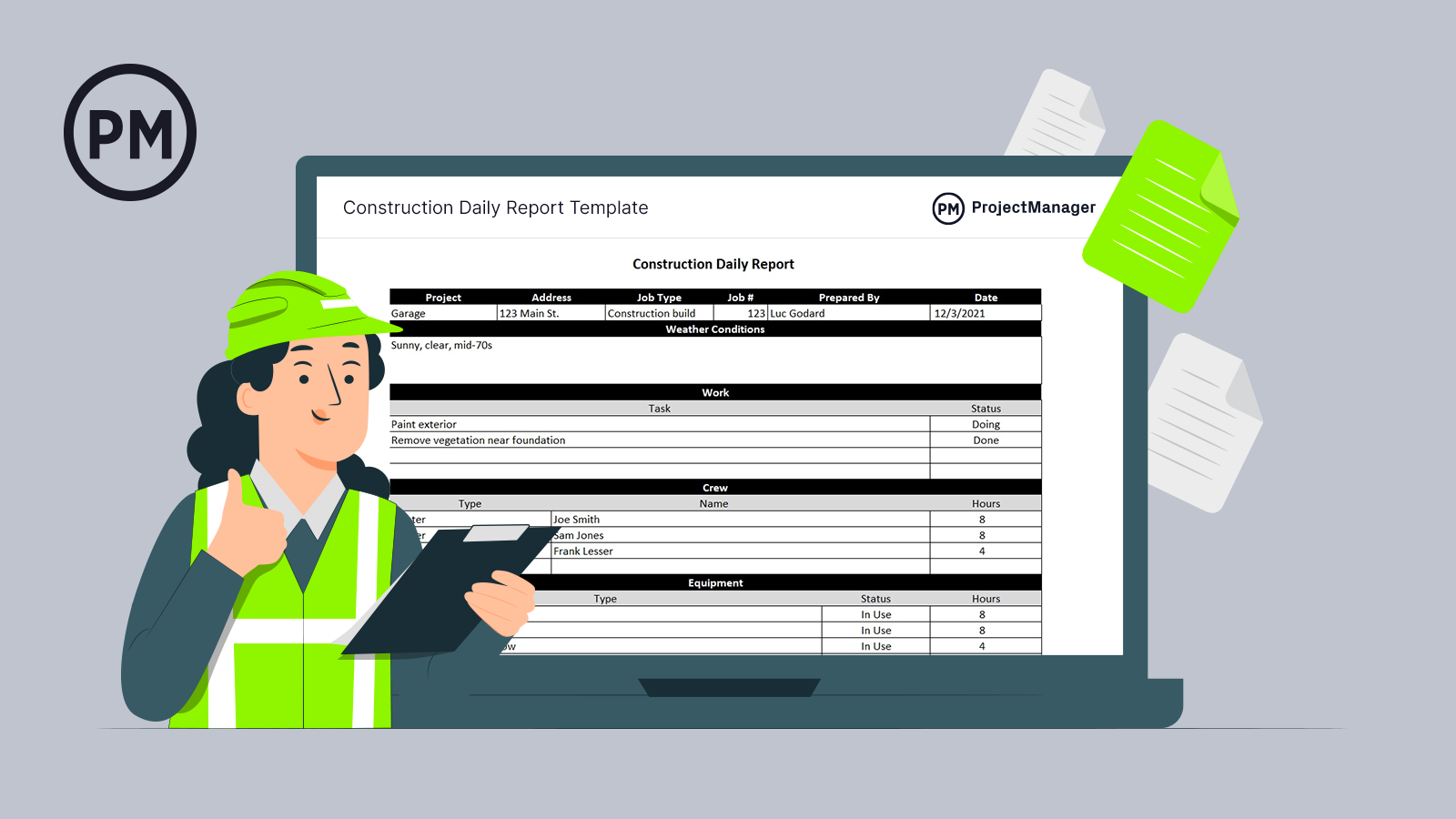
Get your free
Construction Daily Report
Use this free Construction Daily Report for Excel to manage your projects better.
What Should Be Included In a Job Cost Report?
A construction job cost report should bring together all the financial details needed to understand how money is being spent on a project. It must clearly show where costs are coming from, how they compare to the budget and how they are organized so teams can analyze performance, spot issues and make informed decisions as work progresses.
1. Project Information
Basic project information ensures the job cost report is clearly tied to the correct project and reporting period. It provides context for interpreting the numbers and avoids confusion when construction reports are shared across teams.
- Project name and job number to uniquely identify the project.
- Project manager and superintendent responsible for execution.
- Reporting period or cutoff date for the cost data.
- Client name and contract reference for traceability.
2. Cost Breakdown Structure
A cost breakdown structure is a systematic way of organizing a project’s budget into defined cost categories, often called cost codes. These categories typically separate labor, materials, equipment, subcontractors and indirect costs, allowing expenses to be tracked consistently and compared against planned amounts throughout the construction project lifecycle.
Within a construction job cost report, the cost breakdown structure acts as the framework that holds all financial data together. It ensures every dollar spent is assigned to the correct category, making it easier to analyze variances, track trends and understand which parts of the project are driving costs as work progresses.
3. Project Cost Baseline
A project cost baseline is the approved construction budget used as the reference point for cost tracking and control. It is established before work begins and reflects expected costs across all cost codes, including labor, materials, equipment and subcontracted work. The baseline represents the financial plan against which actual and forecasted costs are measured throughout the project.
In a construction job cost report, the cost baseline provides the benchmark needed to evaluate financial performance. It allows teams to compare actual spending and commitments against planned amounts, identify variances early and understand whether the project is trending over or under budget as work progresses.
4. Committed Costs
Committed costs are expenses that have been contractually agreed to but not yet fully incurred. In construction, these include approved subcontracts, purchase orders, rental agreements and material orders. Although payment may not have occurred, these costs represent obligations that will impact the final project cost and must be accounted for during execution.
Including committed costs in a job cost report is critical for accurate forecasting. They show future spending that is already locked in, preventing teams from underestimating total costs. By accounting for commitments, project managers gain a clearer picture of remaining budget, cash flow needs and potential financial exposure.
5. Actual Costs to Date
Actual costs to date represent the real expenses that have already been incurred on a construction project. These costs come from payroll, supplier invoices, equipment charges and subcontractor billings that have been recorded and approved. Unlike estimates or commitments, actual costs reflect money that has been spent and posted to specific cost codes.
Including actual costs to date in a job cost report is essential because it shows how the project is performing right now. These figures anchor forecasts in reality, help validate productivity assumptions and allow teams to compare real spending against both the budget and committed costs.
6. Cost Variance
Cost variance in construction is the difference between what was budgeted and what has actually been spent or committed for a specific scope of work. It is usually calculated at the cost-code level and can indicate overruns or underruns caused by productivity changes, pricing shifts or scope adjustments.
Tracking cost variance in a job cost report highlights where financial performance is drifting from plan. It helps project teams pinpoint problem areas, understand why costs are changing and take corrective action before overruns spread and affect the overall project budget.
7. Estimate at Completion (EAC)
The estimate at completion (EAC) is a forecast of the total cost of a construction project once all work is finished. It combines actual costs to date with updated projections for remaining work, based on current productivity, committed costs and expected changes. EAC reflects the most realistic view of final project cost as conditions evolve.
Including an estimate at completion in a job cost report is critical because it shifts focus from past spending to future outcomes. It helps teams anticipate final budget position, evaluate financial risk and make informed decisions while there is still time to correct course or mitigate cost overruns.
8. Revenue and Billing
Revenue and billing are included in a job cost report to show how project income aligns with costs incurred. By tracking billed amounts, pending invoices and earned revenue, teams can monitor cash flow, assess profitability and ensure that costs being recorded are supported by timely and accurate client billing.
9. Change Log
A change log in construction is a centralized record of all approved, pending and rejected changes that affect project scope, schedule or cost. It documents each change order with details such as description, status, cost impact and approval date, providing a clear audit trail of how the project has evolved over time.
Within a construction job cost report, the change log explains why costs deviate from the original budget. It links financial variances to specific scope changes, helping teams distinguish between performance issues and approved adjustments. This context is essential for accurate forecasting, client communication and defending final project costs.
Construction Job Cost Report Example
Hypothetical scenario: A commercial general contractor is building a 5-story office building for a tech company. Reporting period: Month 6 (cutoff: 2026-02-07).
Project Information
| Field | Value |
| Project Name | Orion Tech HQ – 5-Story Office Build |
| Job Number | GC-26-014 |
| Client | Orion Tech (Tenant Improvement + Core/Shell) |
| Project Manager | Jordan Lee |
| Superintendent | Maria Santos |
| Contract Type | GMP with allowances |
| Reporting Period | 2026-01-08 to 2026-02-07 |
Cost Breakdown Structure
| Cost Code | Category | Cost Type | Notes |
| 01 | General Conditions | Indirect | Site staff, temp facilities, permits, safety |
| 02 | Concrete | Direct | Foundations, slabs, structural concrete |
| 03 | Steel | Direct | Structural steel supply and erection |
| 04 | MEP | Direct | Mechanical, electrical, plumbing scope |
| 05 | Interiors | Direct | Drywall, finishes, millwork |
| 06 | Exterior Envelope | Direct | Curtain wall, roofing, waterproofing |
Baseline, Committed Costs, Actual Costs, Cost Variance & EAC
| Cost Code | Budget Baseline (USD) | Committed (USD) | Actual to Date (USD) | Committed + Actual (USD) | Variance vs Budget (USD) | EAC (USD) |
| 01 General Conditions | 650,000 | 120,000 | 330,000 | 450,000 | 200,000 | 670,000 |
| 02 Concrete | 1,450,000 | 1,100,000 | 820,000 | 1,920,000 | -470,000 | 1,980,000 |
| 03 Steel | 1,250,000 | 1,180,000 | 940,000 | 2,120,000 | -870,000 | 2,150,000 |
| 04 MEP | 2,300,000 | 1,900,000 | 620,000 | 2,520,000 | -220,000 | 2,560,000 |
| 05 Interiors | 1,150,000 | 520,000 | 210,000 | 730,000 | 420,000 | 1,170,000 |
| 06 Exterior Envelope | 1,600,000 | 1,420,000 | 360,000 | 1,780,000 | -180,000 | 1,820,000 |
| Total | 8,400,000 | 6,240,000 | 3,280,000 | 9,520,000 | -1,120,000 | 10,350,000 |
Revenue and Billing
| Billing Item | Amount (USD) | Notes |
| Contract (GMP) | 12,000,000 | Original contract value |
| Approved Change Orders | 450,000 | Added scope approved |
| Revised Contract Value | 12,450,000 | Contract + approved changes |
| Amount Billed to Date | 6,100,000 | 6 pay apps submitted/approved |
| Cash Received to Date | 5,540,000 | Net of retainage timing |
| Under/Over Billed | -320,000 | Costs/earned revenue ahead of billing |
Change Log
| Change ID | Description | Status | Cost Impact (USD) | Schedule Impact | Approval Date |
| CO-014 | Tenant IT room upgrade (power + cooling) | Approved | 160,000 | +3 days | 2026-01-19 |
| CO-017 | Steel connection redesign (RFI-driven) | Pending | 240,000 | +5 days | — |
| CO-019 | Lobby finish upgrade package | Approved | 90,000 | 0 days | 2026-02-03 |
Free Construction Cost Management Templates
We’ve created dozens of free construction project management templates for Excel, Word, Google Sheets and more. Here are some that can help manage project costs.
Cost Breakdown Template
Break down construction costs by scope, resources and responsibility with this cost breakdown template. Track materials, equipment and labor against budgeted and actual costs, flag variances by task priority and maintain clear visibility into project financial performance.
Construction Budget Template
Track construction costs by task and WBS with this construction budget template. Capture labor hours and rates, materials, travel, equipment and fixed costs, then compare budgeted versus actual totals to instantly see under or over budget performance at any project level.
Budget Dashboard Template
Visualize planned versus actual construction costs with this budget dashboard template. Monitor materials, labor, equipment and overhead through charts and detailed tables, track variances in real time and quickly identify cost overruns or savings across the entire job.
How ProjectManager Helps with Construction Cost Management
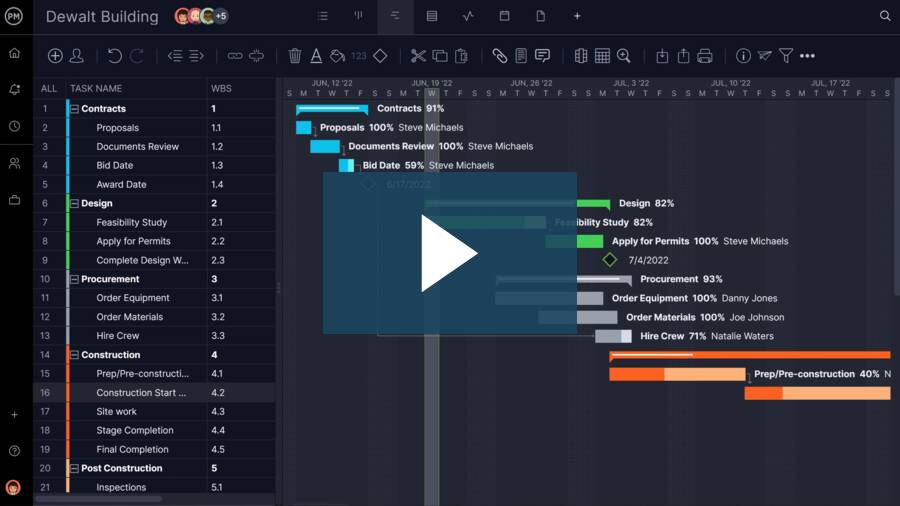
ProjectManager is designed to allow construction project managers to create detailed project plans, allocate resources for the execution of tasks, create construction budgets and compare estimated costs against actual project costs in real-time dashboards and reports to identify cost overruns and financial risks before they become a threat to projects.
Related Construction Cost Management Content
Our content library features over 100 construction blogs, templates, ebooks and other types of content to help construction project managers better understand the many moving parts that must be managed to deliver successful construction projects. Here are some of them.
- Construction Cost Management: Ultimate Guide
- Construction Cost Tracking: Complete Guide
- Construction Estimating Guide: How to Make a Construction Estimate
- Construction Budget: A Quick Guide (with Examples)
- 39 Construction Documents (Templates Included)
- Value Engineering in Construction: Phases & Techniques
