


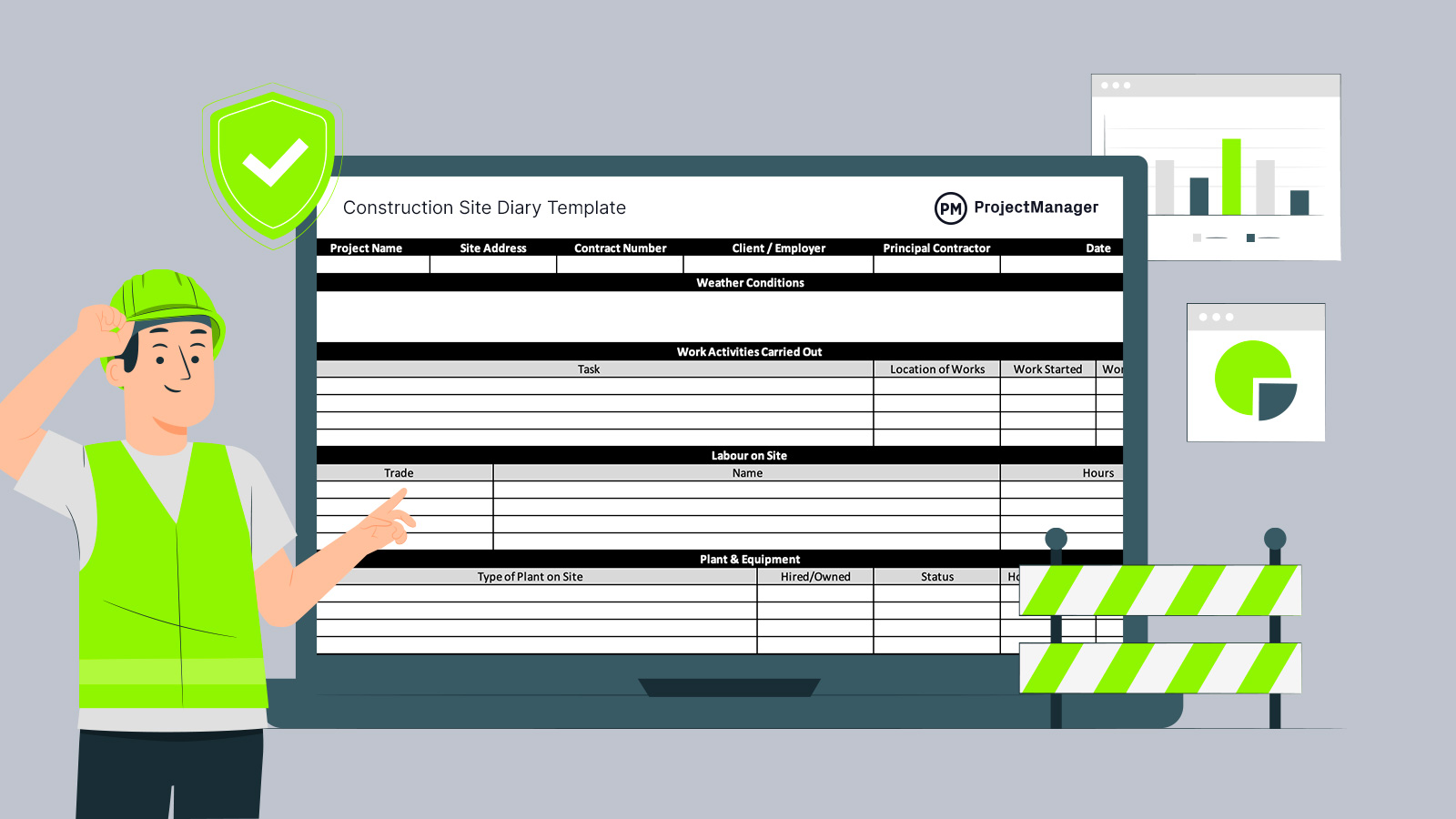
Running a live construction site means decisions are made on the spot, plans shift and dozens of moving parts collide every day. A reliable site diary template keeps that daily activity organised, recorded and easy to review. Instead of relying on memory or scattered notes, you can document events clearly and keep the project under control from day one.
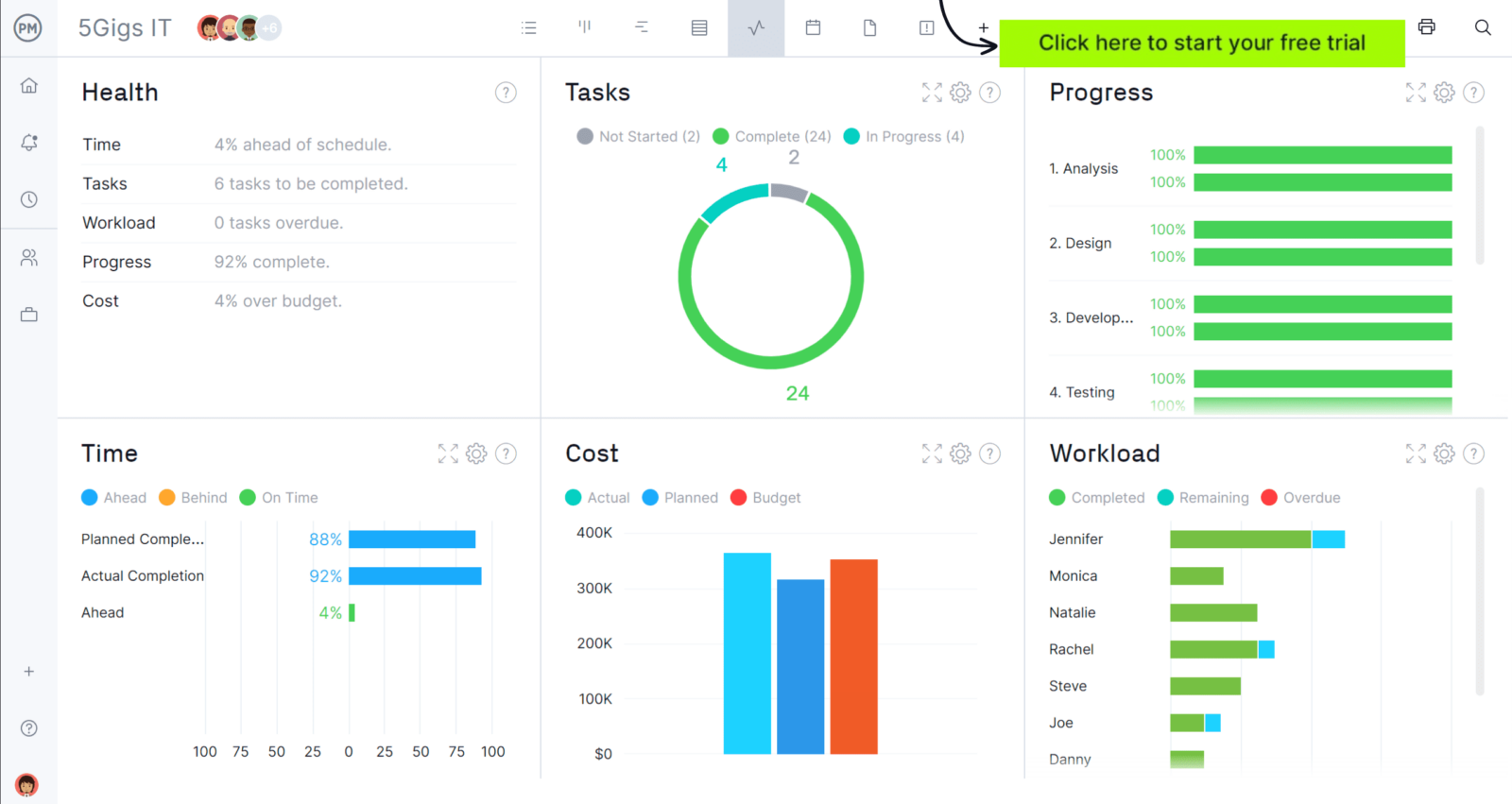
Site diaries are essential on any construction project, but they can’t match the real-time visibility provided by modern construction project management software like ProjectManager.
ProjectManager is an award-winning construction project management software designed to build detailed construction programmes, allocate labour and plant, monitor progress, control costs and compare planned vs actual performance through live dashboards and reports to identify delays, variations and cost overruns before they impact the project. Get started for free today.
Why You Need a Site diary Template
Every productive construction project depends on accurate daily records, and that is exactly what a structured site diary template provides. By capturing labour levels, plant usage, weather conditions, deliveries, inspections and on-site instructions, it creates a dependable record of what truly happened.
Beyond construction monitoring, it strengthens delay claims, supports extension of time requests, assists with loss and expense submissions, clarifies variations and protects your position during dispute resolution or adjudication.
When To Use a Site diary Template
Each working day on site should end with a completed entry, without exception. Recording information while details are fresh prevents gaps, protects accuracy and avoids reconstructing events weeks later. Daily updates ensure labour, plant, weather impacts and site instructions are documented consistently, giving you a clean chronological record if issues arise.
Who Should Use this Free Site diary Template?
On most UK projects, the site manager or site engineer is responsible for maintaining the daily record. Because they oversee operations, coordinate subcontractors and receive instructions from the principal contractor or client team, their entries carry weight. Completing the site diary properly each day safeguards the project and protects the contractor’s commercial position.
How to Use ProjectManager’s Site diary Template for Excel
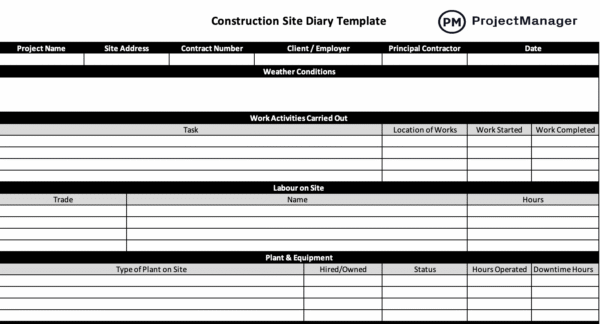
Getting value from a site diary depends on how it’s completed, not just having the form itself. The steps below show exactly how to use this Excel site diary template to capture daily site activity properly, strengthen your records and protect the project’s commercial and contractual position.
Project Administrative Details
Start each day by completing the administrative header at the top of the template. Enter the project name, contract reference, site location, date and prevailing weather conditions before anything else. Locking in these basics immediately ensures the entry is traceable, properly aligned with the contract and clearly tied to that specific working day.
Labour on Site
Move next to the labour section and list everyone physically working on site, broken down by trade or subcontractor. Record headcount accurately rather than estimating, and note any unusual absences or restrictions. These figures demonstrate resourcing levels and can later explain reduced output, acceleration measures or programme pressure.
Plant & Equipment
Use the plant section to log all machinery operating that day, including hired equipment and specialist subcontractor assets. Capture deliveries, removals and any breakdowns, even if short-lived. When plant availability affects productivity, this record provides evidence of disruption and supports conversations about responsibility or additional cost.
Related: Equipment Maintenance Log: How-to Guide, Example & Free Template
Work Activities Carried Out
In the activities area, describe what was actually built, not what was planned. Identify specific locations, quantities completed and key milestones reached. Keep the wording factual and precise. A clear daily narrative of progress makes it far easier to reconcile against the programme and defend your position if delays are challenged.
Material Deliveries
As deliveries arrive, record the supplier, time of arrival, quantities received and visible condition of the materials. Note any shortages, damage or rejected items immediately rather than leaving it for later. By logging this information in the template on the same day, you create a supply chain record that supports programme discussions and commercial recovery if materials delay the works.
Instructions and Communications
Throughout the day, enter any instructions issued by the architect, engineer or employer’s representative, along with key discussions that affect the works. Confirm verbal directions in writing within the diary and reference drawing numbers or document revisions where relevant. This ensures your record reflects what was authorised and when it was communicated.
Where scope changes or clarifications influence cost or sequencing, briefly describe the practical impact on labour, plant or progress. Capturing this cause-and-effect link inside the template protects your position later, particularly if variations, delay claims or valuation disagreements arise.
Delays & Disruption
If planned activities cannot proceed, use the delays section to explain what happened, when it occurred and which trades were affected. Identify the source of the issue, whether weather, access restrictions, late information or resource shortages. Clear, factual entries make programme reviews far more defensible.
Rather than waiting for a formal claim, document disruption as it unfolds. By recording lost time, idle labour or resequencing requirements on the day they occur, the template builds a reliable foundation for extension of time assessments or loss and expense submissions.
Health & Safety
Before closing the day, summarise any toolbox talks, inspections, permits issued or incidents reported. Include details of corrective actions taken and any follow-up required. A complete health and safety entry demonstrates active supervision and responsible management, which becomes critical if an investigation or regulatory review takes place.
Related: Construction Safety Plan Template
Inspections & Tests
Whenever quality checks take place, enter the inspection reference, location and outcome directly into the template. Include sign-offs under the inspection and test plan, statutory checks and any rejected work requiring remedial action. These entries show that workmanship was verified against drawings and specifications on the day it occurred.
Related: Inspection Report Template
By tying inspections to specific dates and work areas, the diary strengthens payment applications and protects against later defect allegations. A clear daily quality trail reduces arguments about whether standards were met at the time.
Visitors
Each time someone attends site, log their name, company, purpose of visit and the areas accessed. Whether it is a client walkthrough, building control inspection or supplier meeting, recording attendance creates a reliable movement record linked to that working day.
Variations
As soon as an instructed change or potential compensation event arises, document it in the variations section with a brief description and reference to any formal instruction. Note anticipated impacts on time, labour or sequencing, even if details are still developing.
Capturing variations in real time prevents commercial issues from being overlooked. When the valuation or extension of time is assessed later, your diary will already contain the factual groundwork needed to support your position.
General Observations
Use the final section to record anything that does not sit comfortably elsewhere but still affects the project. Weather changes, neighbour complaints, access limitations or workforce issues can all influence progress. Adding these contextual notes ensures the overall site narrative remains complete and defensible.
ProjectManager Is Ideal for Tracking Construction Site Progress
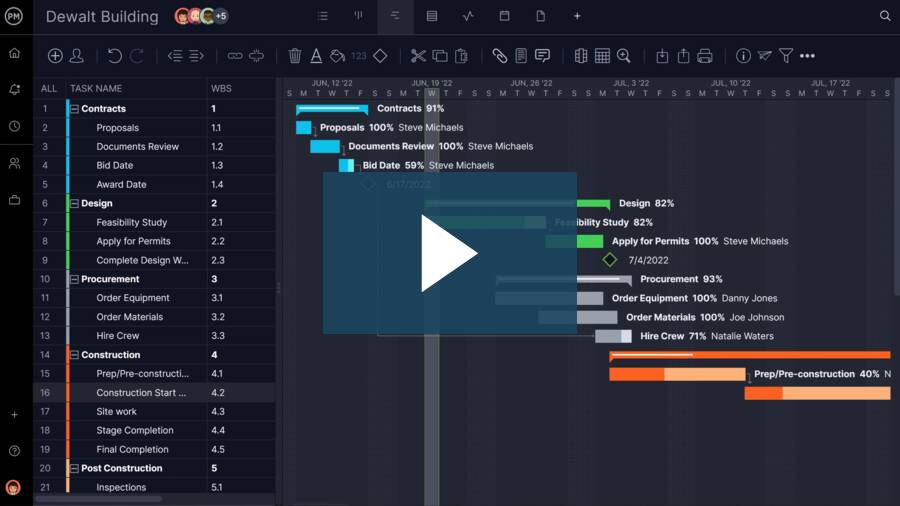
ProjectManager includes Gantt charts, workload charts, timesheets and real-time dashboards and reports, making it ideal for building and managing construction programmes, coordinating trades on site, monitoring labour and plant utilisation, tracking site costs and sharing photos and documents from inspections. Watch the video below to learn more!
Free Construction Project Management Templates
Beyond this site diary template, we offer a wide range of free construction project management templates for Excel, Word and Google Sheets.
Gantt Chart Template
Build a realistic programme using this Excel Gantt chart template. Map out activities, define durations, link dependencies and monitor progress against planned dates. It gives site managers a practical way to keep sequencing tight and respond quickly when slippage threatens the overall completion date.
Snagging List Template
Keep finishing works under control with this snagging list template. Record outstanding items, pinpoint their exact location and allocate responsibility to the relevant trade. Tracking rectification status in one place helps drive defects to closure and supports an orderly route to practical completion.
Method Statement Template
Set out how works will be carried out safely and efficiently using this construction method statement template. Detail the sequence of operations, required plant and labour, along with risk control measures. A clear written approach helps demonstrate compliance and supports consistent standards across site activities.
Related Construction Project Management Content
Our content library features over 100 construction blogs, templates, ebooks and other types of content to help construction project managers better understand the many moving parts that must be managed to deliver successful construction projects. Here are some of them.
- How to Make a Construction Phase Plan (Templates Included)
- Program of Works in Construction: A Quick Guide
- Tendering Process in Construction: A Quick Guide
- Top 10 Tender Documents In Construction
- Construction Cost Planning: How to Make a Cost Plan
- Cost Value Reconciliation: How to Make a CVR Report
ProjectManager is online project management software with the tools you need for construction project management. Our features make planning, monitoring and reporting on your project more efficient and effective. Being online means our software is accessible everywhere and at any time. Plus, the data you get is more accurate because it’s updated immediately. Try ProjectManager for free with this 30-day trial offer.