


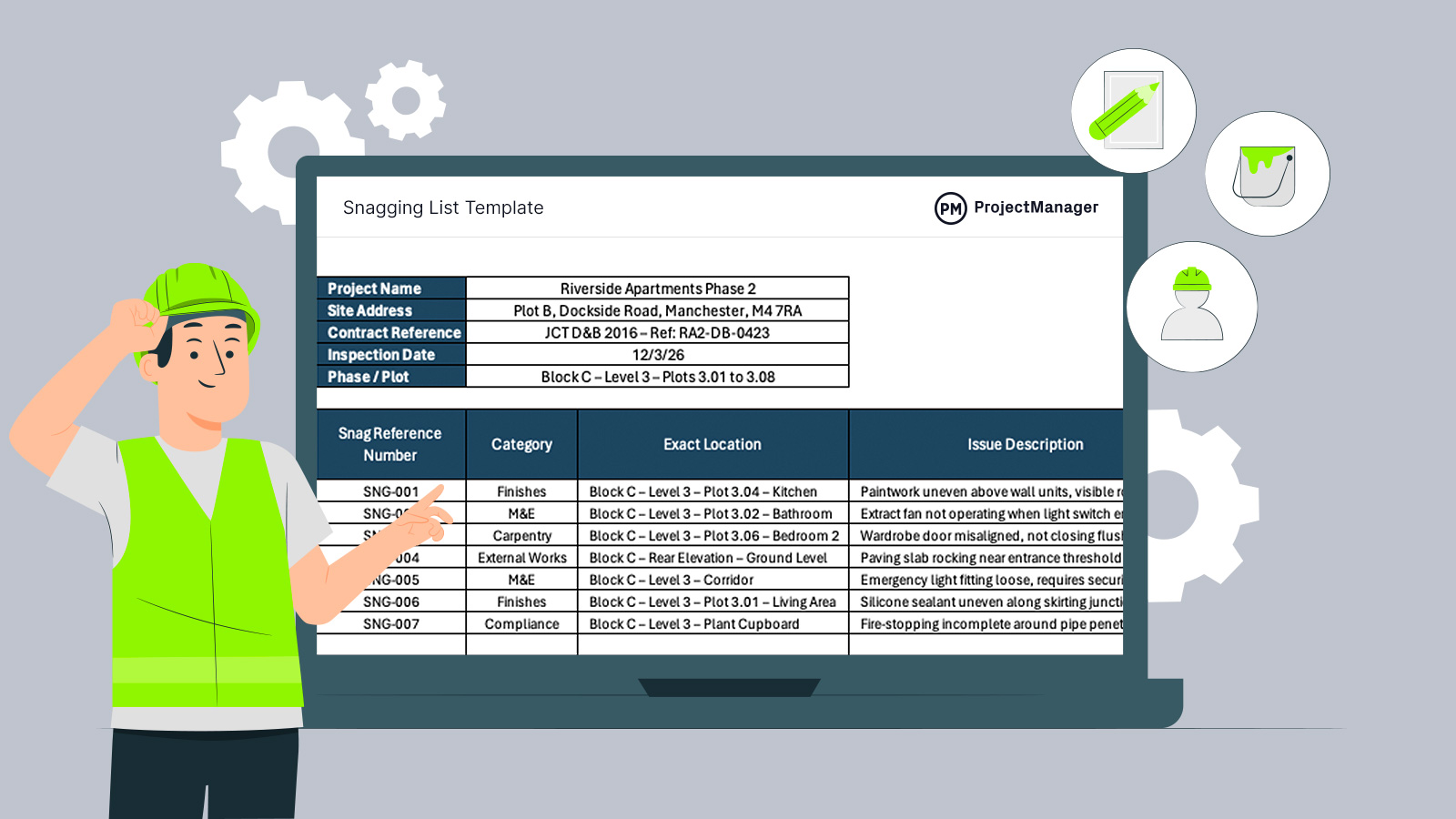
Late in a construction project, trades overlap and everyone is chasing practical completion. A snagging list template keeps last-mile defects and incomplete activities from turning into handover drama. Instead of scribbled notes and missing details, you log each issue, its exact location, priority and target date, then track it through rectification and sign-off. It’s a simple way to stay organised on the construction site, every day.
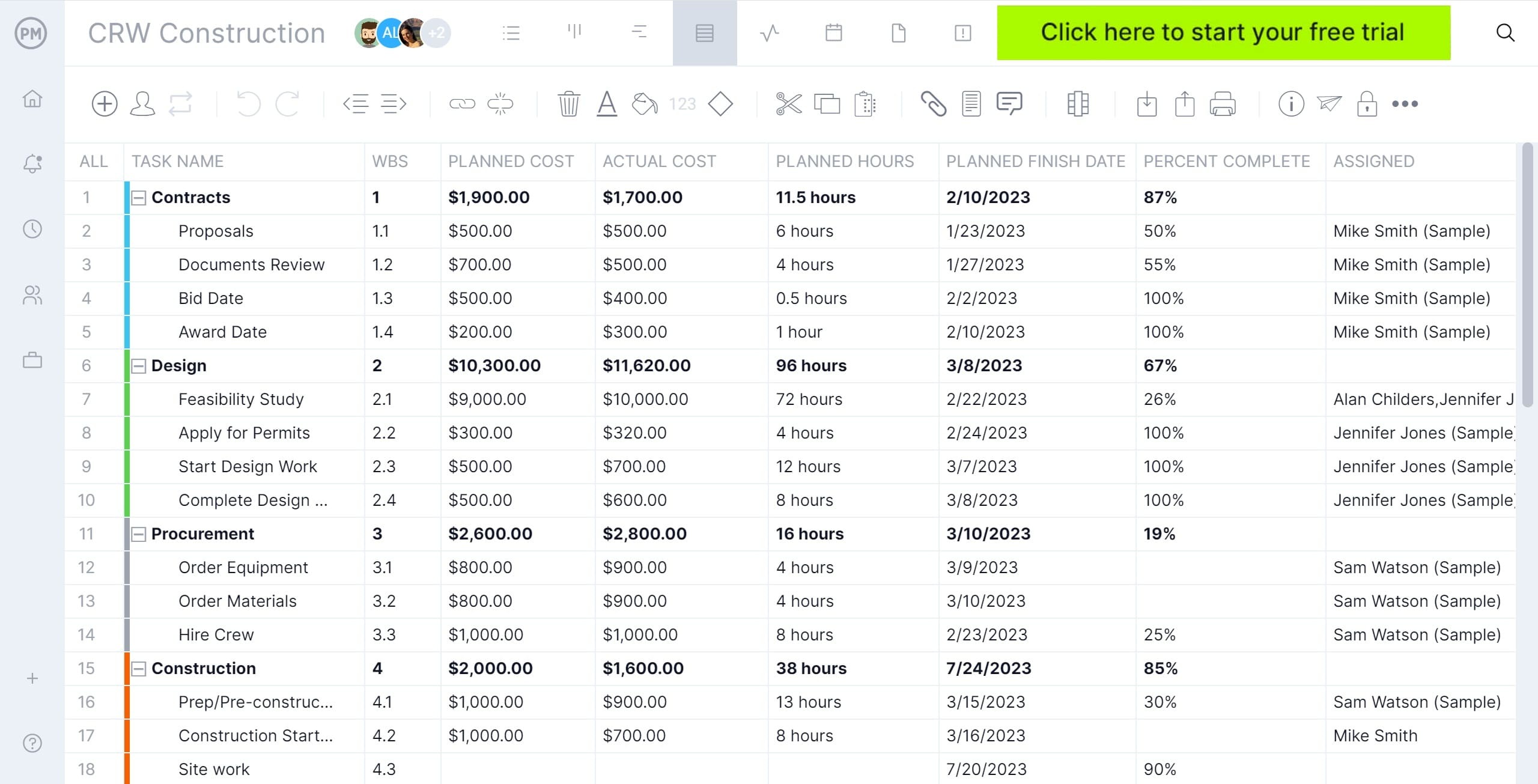
Or better yet, you can try ProjectManager to create snagging lists for your construction projects. ProjectManager is an award-winning construction project management software with robust project planning, scheduling and tracking features such as Gantt charts, task lists, timesheets and real-time dashboards and reports so that you can manage projects from start to finish. Get started for free today.
Why You Need a Snagging List Template
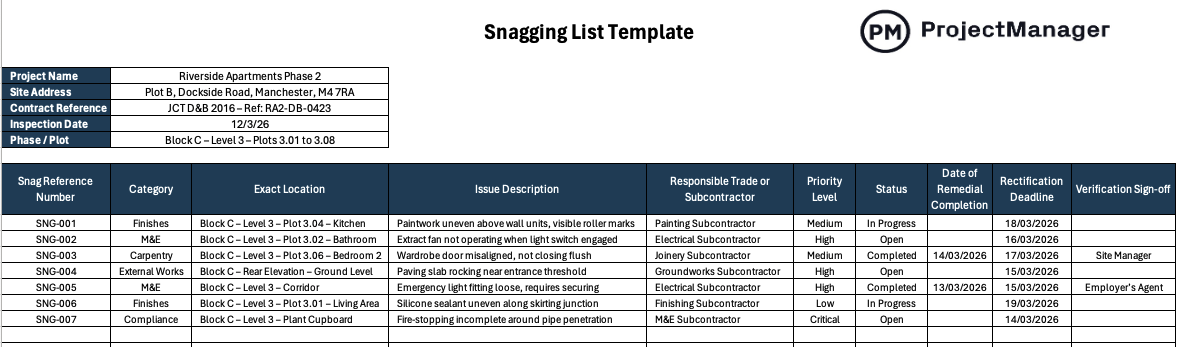
Trying to build a proper snagging list from scratch is where things go sideways for newer project managers. Issues get logged without a room reference, photos go missing and the responsible trade is never clear, so the same defects bounce around for days. This snagging list template for Excel gives you ready-made columns for category, location, priority, subcontractor, deadlines and verification, so close-out stays controlled and nothing slips past handover.
When To Use a Snagging List Template
Once finishes are going in and areas start being signed off, it’s time to start snagging in earnest. Use this snagging list template for Excel after first-fix has moved on, when rooms are safe to access and you can judge the final standard, but before the client walk-through and practical completion. That timing gives trades a clear window to rectify defects, rebook inspections and close items before handover dates tighten.
How to Use ProjectManager’s Snagging List Template for Excel
Now let’s go through the steps that need to be taken to fill out this snagging list template for Excel.
1. Enter the Project Information at the Top
Start by completing the header section before you even walk the site. Add the project name, full site address, contract reference, inspection date and the specific phase or plots being inspected. This anchors the snagging list to a defined scope and avoids confusion later, especially on multi-block developments. You may add additional details by creating new rows.
2. Assign a Clear Snag Reference Number
As you identify each issue, give it a unique reference such as SNG-001, SNG-002 and so on. Keep the numbering sequential and consistent. This makes it easier to track conversations with subcontractors and reference specific defects in emails, progress meetings and follow-up inspections.
3. Select the Appropriate Category
Choose a category that reflects the trade responsible, such as Finishes, M&E, Carpentry or External Works. Categorising defects properly helps you batch issues by subcontractor and spot patterns, whether it’s recurring finishing standards or repeated installation problems across plots.
4. Record the Exact Location
Be precise about where the defect sits. Include block, level, plot and room wherever possible. “Kitchen” isn’t enough on a busy scheme. Detailed location references prevent wasted time searching for issues and remove any ambiguity when trades return to rectify them.
5. Describe the Issue Clearly and Objectively
Write what you see, not what you think. Instead of vague notes like “poor finish,” specify the actual problem, such as uneven paint above wall units or a door not closing flush. Clear descriptions reduce pushback from subcontractors and speed up corrective actions.
6. Allocate the Responsible Trade or Subcontractor
Assign each snag to the correct subcontractor straight away. This keeps accountability tight and avoids the common “that’s not ours” debate. When responsibility is clear from the start, rectification becomes a straightforward instruction rather than a negotiation.
7. Set the Priority Level
Use the priority column to separate cosmetic items from urgent compliance or safety issues. A loose emergency light or incomplete fire-stopping should sit at the top of the list. Prioritising properly ensures critical defects are addressed before practical completion deadlines loom.
8. Update the Status as Work Progresses
Keep the status column live. Mark items as Open, In Progress or Completed as updates come in from site. This turns the template into a working management tool rather than a static checklist and gives you a clear snapshot of close-out progress at any time.
9. Enter Rectification Deadlines and Completion Dates
Agree realistic rectification deadlines with each trade and record them clearly. Once work is completed, fill in the actual remedial completion date. Tracking planned versus actual dates helps you see which subcontractors are keeping pace and which need chasing.
10. Confirm Verification and Sign-Off
After a defect is rectified, inspect it again before signing it off. Record who verified the fix, whether that’s the site manager or the employer’s agent. Formal sign-off closes the loop and ensures nothing reappears during client walk-through or final inspections.
How to Make a Snagging List with ProjectManager
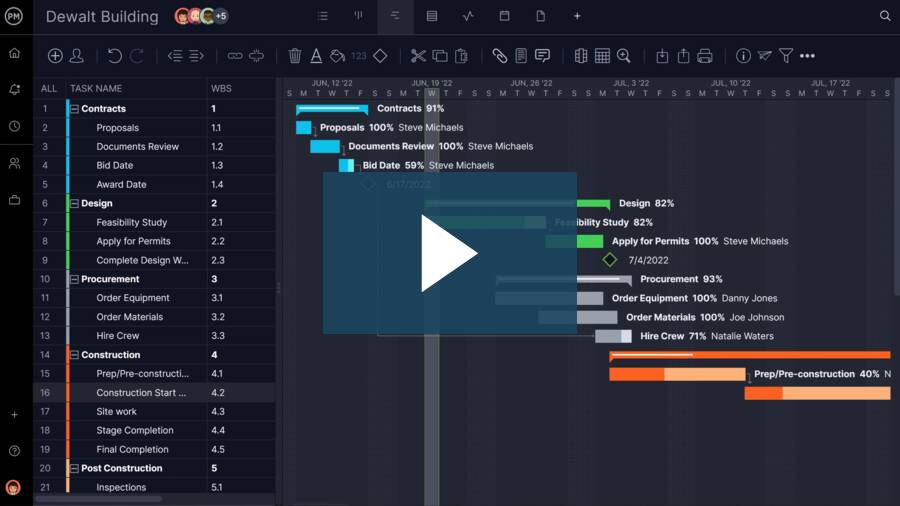
ProjectManager is a robust solution that allows project managers to create a construction schedule, allocate resources, track costs and much more. Its task list feature is ideal for making detailed snagging lists that show remaining work, due dates, status, attached files, priority level, among other details. Watch the video below to learn more!
More Construction Project Management Templates
Alongside this snagging list template, we publish a wide range of practical construction project management templates for Excel, Word and Google Sheets.
Bill of Quantities Template
Widely used on UK developments, a bill of quantities organises measured work items, detailed descriptions and unit rates into a structured pricing document. It underpins competitive tendering, supports cost control during delivery and provides a clear basis for interim valuations under standard forms of contract.
Method Statement Template
Before work starts on site, contractors are typically required to outline how tasks will be carried out safely and in line with project specifications. This method statement template helps document sequencing, supervision, plant, risk controls and compliance measures, ensuring works proceed in accordance with agreed procedures.
Schedule of Values Template
Breaking the contract sum into logical payment components allows interim applications and certifications to be managed in a structured way. A schedule of values supports transparent valuations, tracks certified amounts and highlights the remaining contract balance, helping both contractor and employer monitor financial progress.
Related Construction Project Management Content
Our content library features over 100 construction blogs, templates, ebooks and other types of content to help construction project managers better understand the many moving parts that must be managed to deliver successful construction projects. Here are some of them.