


Projects fall apart when roles are unclear and accountability gets blurred across teams. A RASCI matrix template brings structure to that chaos, helping teams assign responsibility, clarify involvement and keep work moving without confusion, delays or unnecessary escalations.
Why You Need a RASCI Matrix Template
Unclear ownership creates delays, duplicated effort and missed decisions, especially in projects with multiple stakeholders. A RASCI matrix provides a structured way to define who is responsible, accountable, supporting, consulted and informed for each task, ensuring alignment and faster execution across the project timeline.
Using a RASCI matrix template for Excel makes this process easier to implement and maintain. It standardizes how roles are assigned, allows quick updates as projects evolve and gives teams a centralized, shareable format to track responsibilities without rebuilding the structure every time.

When To Use a RASCI Matrix Template
Early in project planning is the ideal moment to build a RASCI matrix, once tasks, deliverables and stakeholders are clearly identified. Defining roles at this stage prevents confusion later, aligns expectations across teams and ensures everyone understands their level of involvement before execution begins.
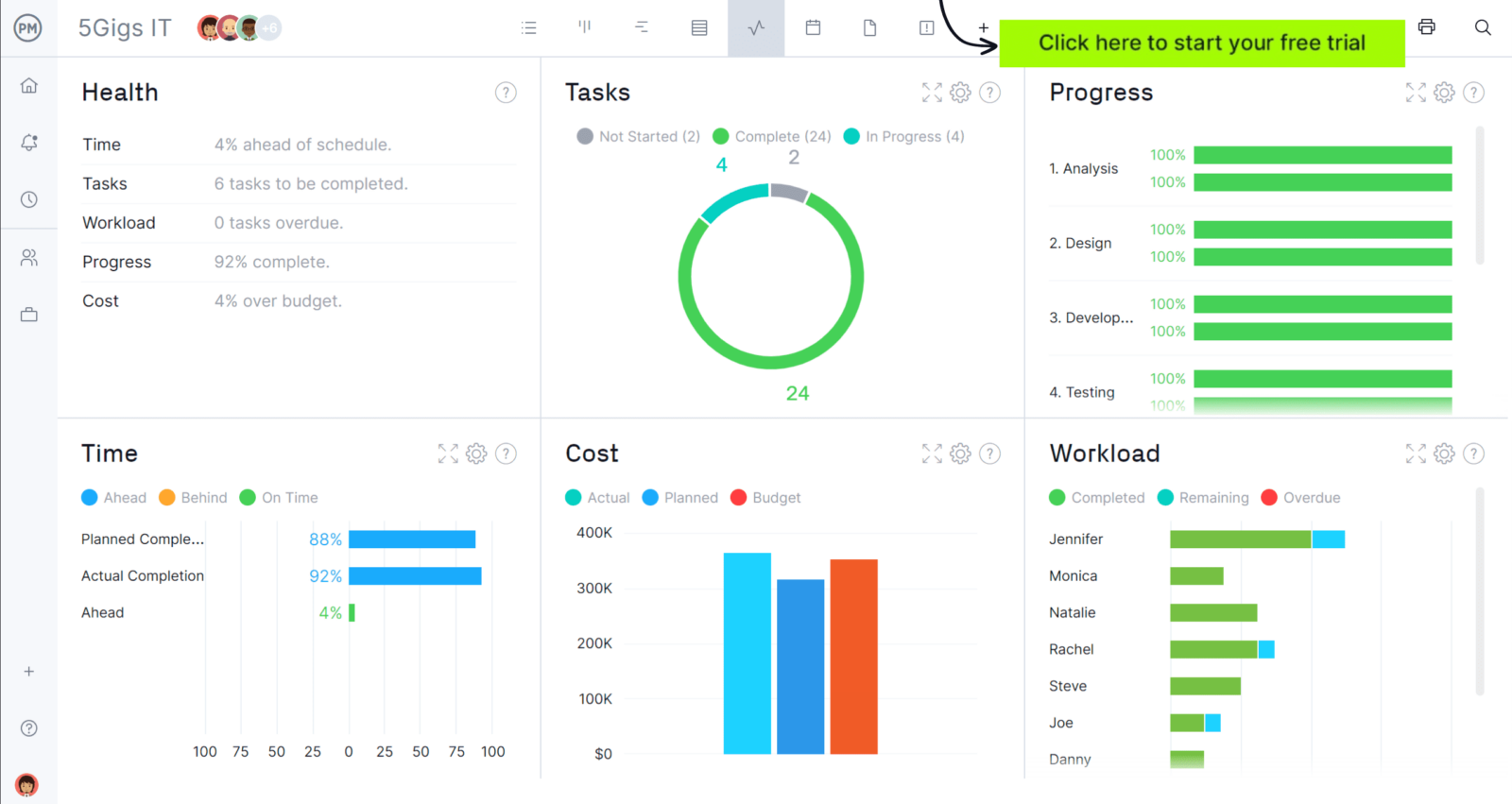
When you’re ready to take control of your projects, try ProjectManager. This award-winning project management software helps teams plan, schedule and track work from start to finish. Create detailed schedules, manage resources, monitor costs and compare planned versus actual performance with a full suite of powerful tools. Get started for free today.
As projects progress, the RASCI matrix should be revisited whenever the project scope, timeline or team structures change. Adjusting responsibilities during these moments keeps accountability accurate, supports decision-making and ensures new tasks or stakeholders are properly integrated into the workflow without creating gaps or overlaps.
Who Should Use this Free RASCI Matrix Template?
In most projects, the project manager is responsible for creating and maintaining the RASCI matrix, as they oversee planning, coordination and execution. However, this is not done in isolation, as input from key stakeholders ensures that responsibilities reflect actual workflows and authority levels.
- Project Manager: Defines tasks, assigns roles, maintains matrix accuracy and ensures alignment with project execution.
- Team Leads: Provide input on task ownership, validate assignments and ensure responsibilities match team capabilities.
- Functional Managers: Confirm resource availability, approve accountability assignments and align responsibilities with departmental priorities.
- Project Sponsor: Reviews high-level accountability, ensures governance clarity and approves final responsibility structure for critical deliverables.
- Stakeholders: Identify consultation and communication needs, ensuring they are appropriately informed or involved throughout project execution.
How to Use ProjectManager’s RASCI Matrix Template for Excel
Getting value from a rasci matrix template depends on how clearly you structure tasks, roles and responsibilities from the start. This template is designed to guide that process step by step, helping you organize work, assign ownership and keep everyone aligned across each project phase.
1. Identify Project Phases and Project Tasks
Start by breaking the project into clear phases such as initiation, design, pre-construction and construction. Then list specific tasks under each phase, like feasibility studies or contractor selection. This structure creates the foundation of the matrix, ensuring responsibilities are tied directly to real project activities and deliverables.
2. Establish Project Roles
Next, define all roles involved in the project, including internal team members and external stakeholders like contractors or inspectors. Each column represents a role, so accuracy matters. Including the right participants ensures that responsibility assignments reflect how work actually flows across disciplines and decision-making authority.
3. Define RASCI Categories for Each Role
Once tasks and roles are set, assign R, A, S, C or I to each intersection based on involvement. This step clarifies who executes work, who owns outcomes and who needs input or visibility. Filling out these categories eliminates ambiguity and ensures accountability is clearly distributed across the entire workflow.
ProjectManager Is an Award-Winning Project Management Software
ProjectManager offers robust project management features such as Gantt charts, task lists, workload management charts, timesheets and real-time dashboards and reports. In addition to that, it’s also equipped with AI project insights, online team collaboration features and unlimited file storage that further help project managers ensure nothing falls through the cracks. Watch the video to learn more!
More Free Related Project Management Templates
We’ve created over 100 free project management templates for Excel, Word and Google Sheets. Here are other free templates that can be used in conjunction with this RASCI matrix template.
Stakeholder Analysis Template
Identify stakeholders, assess influence, define communication frequency and track engagement levels. This template organizes roles, decision authority and communication methods to ensure stakeholders are properly managed throughout project execution.
Decision Matrix Template
Evaluate multiple options using weighted criteria such as cost, quality and risk. This template calculates scores to compare alternatives objectively, helping teams make structured, data-driven decisions aligned with project priorities.
Project Deliverables Template
Track deliverables, assigned owners, timelines and completion status in one structured view. This template helps teams monitor progress, manage priorities and ensure each output is completed, reviewed and aligned with project requirements.
If you need a tool to help you manage projects, then signup for our software now at ProjectManager. Our online software helps teams across industries plan, track and oversee projects as they unfold. Sign up for a free 30-day trial today!