


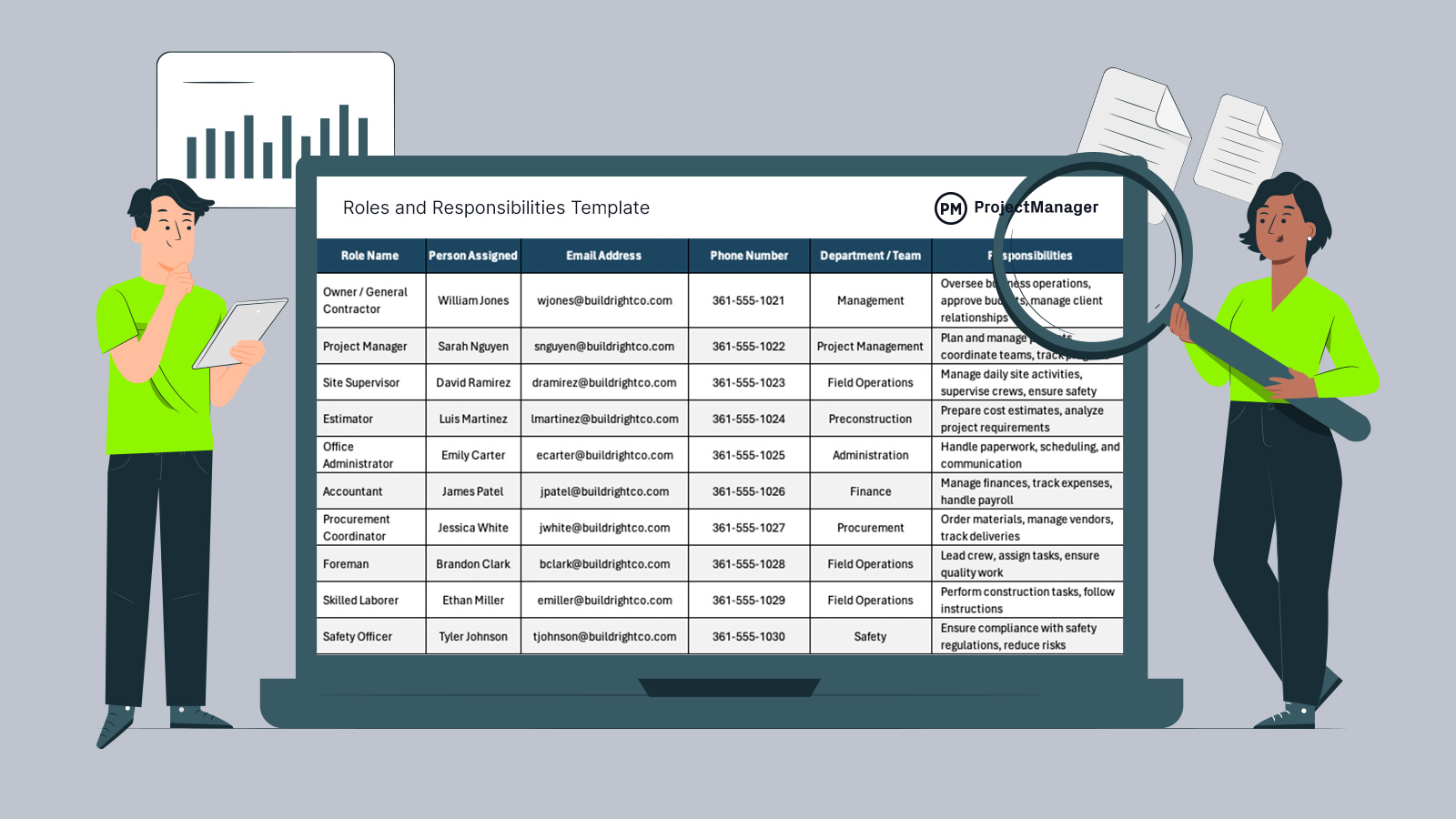
When work starts moving fast, confusion around ownership is usually what slows everything down. A well-structured roles and responsibilities template gives teams a simple way to align expectations, assign work clearly and avoid overlap before it becomes a problem.
Why You Need a Roles and Responsibilities Template
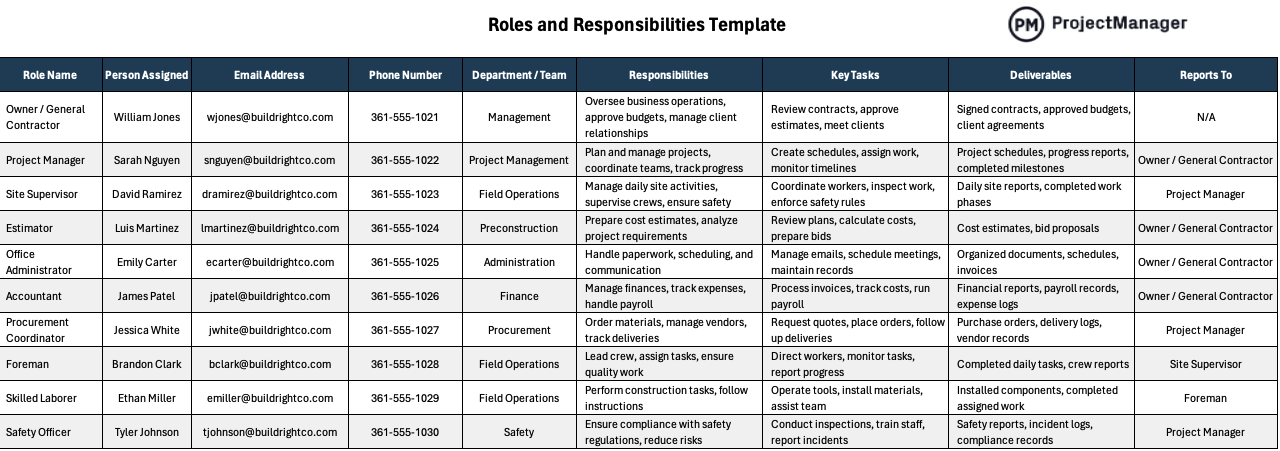
Clear ownership is what keeps teams from stepping on each other’s work or missing critical tasks. A roles and responsibilities template helps define who is responsible for specific duties, what key tasks they handle, what deliverables they produce and who they report to. By structuring this information alongside contact details and departments, teams can coordinate faster, reduce confusion and collaborate more effectively across any type of work environment.
Who Should Use this Free Roles and Responsibilities Template?
Whether you’re running projects, managing daily operations or organizing a small team, this free roles and responsibilities template for Excel provides a straightforward way to define ownership, clarify expectations and keep everyone aligned without overcomplicating workflows or processes.
- Project managers coordinating timelines, tasks and team responsibilities
- Construction supervisors managing crews, subcontractors and site work
- Operations managers overseeing daily business activities and workflows
- HR teams defining roles, reporting structures and job expectations
- Startup founders organizing responsibilities across small, multi-role teams
- Manufacturing supervisors assigning production and maintenance duties
- Office administrators coordinating communication, schedules and support tasks
If you want to guide your team towards success, try ProjectManager. This award-winning project management software helps teams across industries plan, schedule and track work from start to finish. Create detailed schedules, manage resources, monitor costs and compare planned versus actual performance with a full suite of powerful tools. Get started for free today.
When To Use a Roles and Responsibilities Template
Before tasks start piling up, teams should establish who owns what to avoid confusion later. A roles and responsibilities template is most useful at the beginning of a project or initiative, when structure is still being defined. Setting clear roles early creates a stable foundation, allowing work to progress in an organized way while reducing rework, delays and unnecessary back-and-forth communication.
How to Use ProjectManager’s Roles and Responsibilities Template for Excel
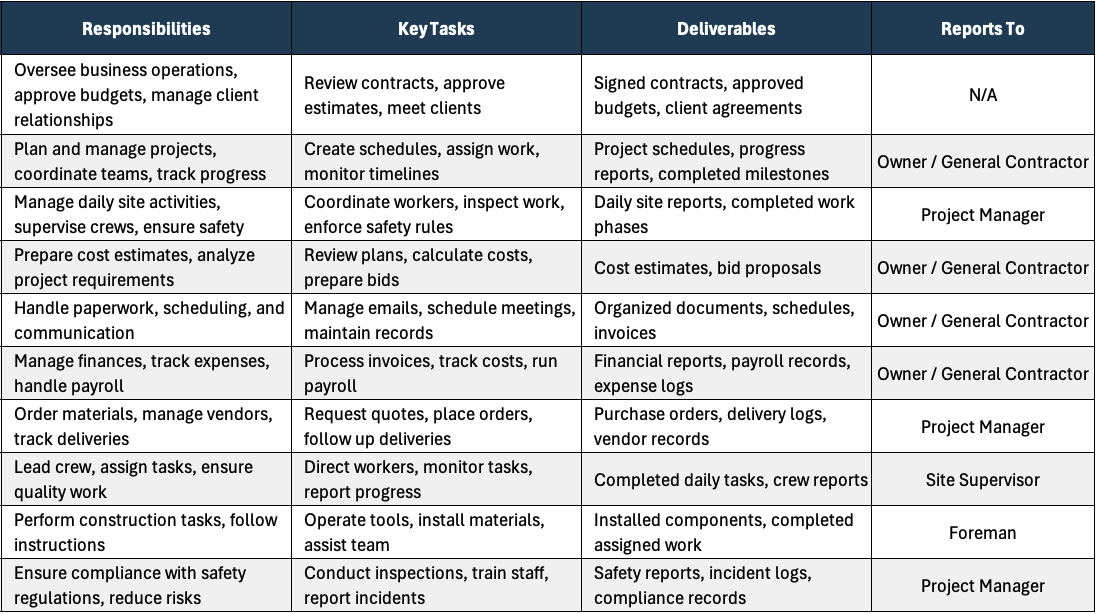
Getting value from this roles and responsibilities template comes down to how clearly you fill it out and how consistently your team uses it. Each column is designed to answer a specific question about ownership, communication and accountability, so take a few minutes to define each role properly before work begins.
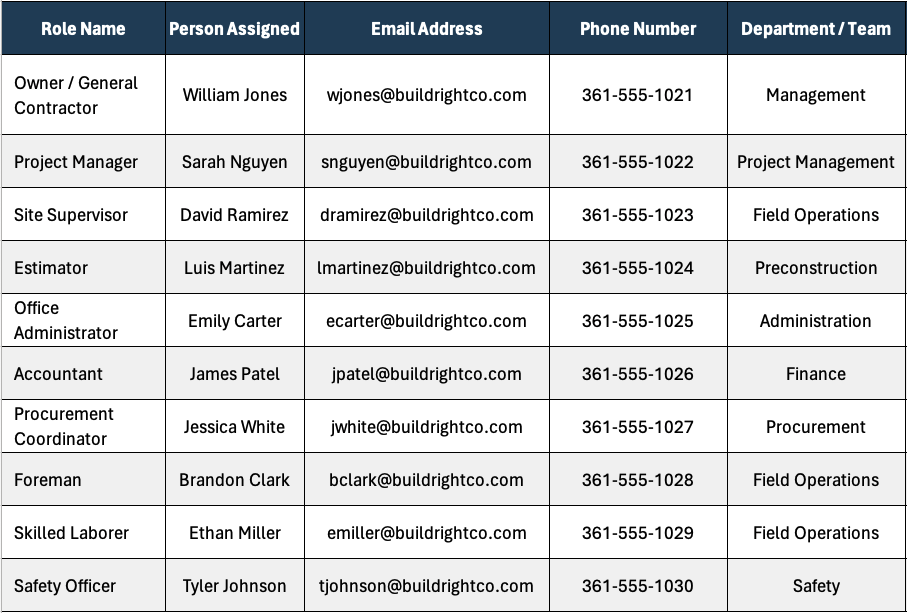
1. List All Roles in Your Team
Start by identifying every role involved in the work using the Role Name column. Focus on functions rather than titles if needed, especially in smaller teams where individuals handle multiple projects and responsibilities.
2. Assign Each Role to a Specific Person
Use the Person Assigned column to define clear ownership. Every role should have a single accountable person so responsibilities don’t fall through the cracks or get duplicated.
3. Add Contact Information for Quick Access
Fill in Email Address and Phone Number so team members can reach the right person without delays. This becomes critical when decisions or updates are time-sensitive.
4. Organize Roles by Department or Team
Use the Department / Team column to group roles logically. This helps teams understand how different functions connect and improves coordination across departments.
5. Define Responsibilities, Key Tasks and Deliverables
Start by describing what each role is accountable for in the Responsibilities column, keeping it concise so ownership is immediately clear without long explanations. Then use the Key Tasks column to break those responsibilities into actionable work that can be executed daily. Finally, complete the Deliverables column with tangible outputs such as reports, completed work phases or approved documents so progress can be tracked and verified.
6. Clarify Reporting Structure
Complete the Reports To column to show who each role answers to. This creates a clear chain of command and simplifies communication when approvals are needed.
7. Review and Update Regularly
As projects evolve, roles and responsibilities may shift. Keeping the template updated ensures it remains a reliable reference point throughout the lifecycle of the work.
How to Manage Projects and Teams with ProjectManager
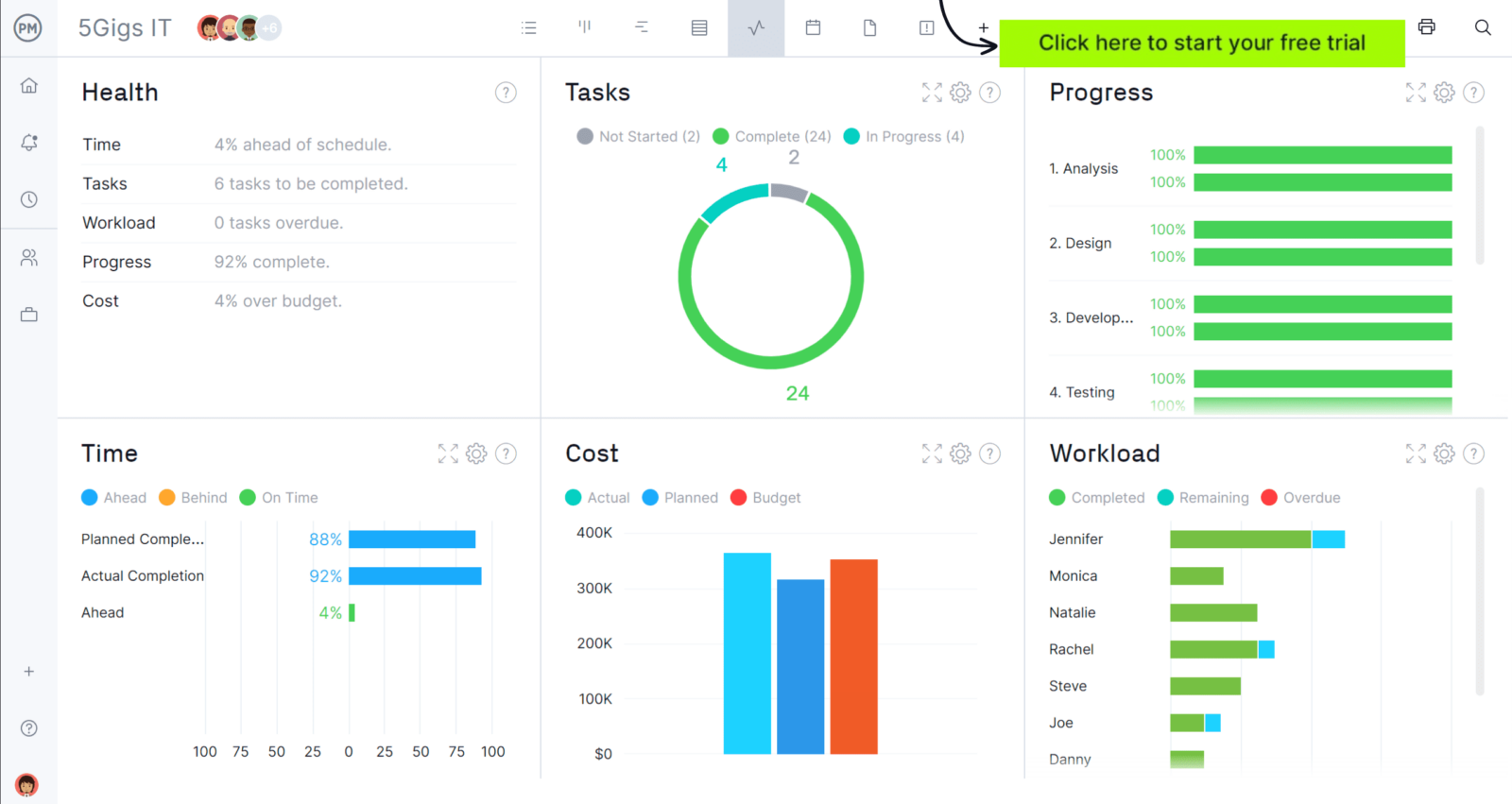
ProjectManager is an online project management solution that provides a complete set of work planning, scheduling and tracking tools, including Gantt charts, kanban boards, task lists and real-time dashboards and reports. With these features, teams across industries can build detailed schedules, assign resources and monitor progress, costs and timelines.
ProjectManager also delivers AI-powered project insights to support better decision-making and connects with over 100 tools like Microsoft Project, Acumatica and Power BI. With its open API and wide range of integrations, organizations can seamlessly link ProjectManager to their existing systems. Watch the video below to learn more!
What Other Templates Can Help Manage Teams?
We’ve created over 100 free project management templates for Excel, Word and Google Sheets for teams of all industries.
RACI Matrix Template
A RACI matrix template helps define who is responsible, accountable, consulted and informed for each task. Teams use it to clarify decision-making roles, reduce confusion and ensure every activity has clear ownership across functions.
Skills Matrix Template
A skills matrix template maps employee capabilities across key areas and highlights gaps that need improvement. Managers use it to plan training, balance workloads and ensure the right people are assigned to the right tasks.
Task Tracker Dashboard Template
A task tracker dashboard template centralizes tasks, priorities and statuses in one place. Teams use it to monitor progress, identify delays and keep work aligned with deadlines while maintaining visibility into overall performance.
If you need a tool to help you manage projects, then sign up for our software now at ProjectManager. Our online software helps teams across industries plan, track and oversee projects as they unfold. Sign up for a free 30-day trial today!