


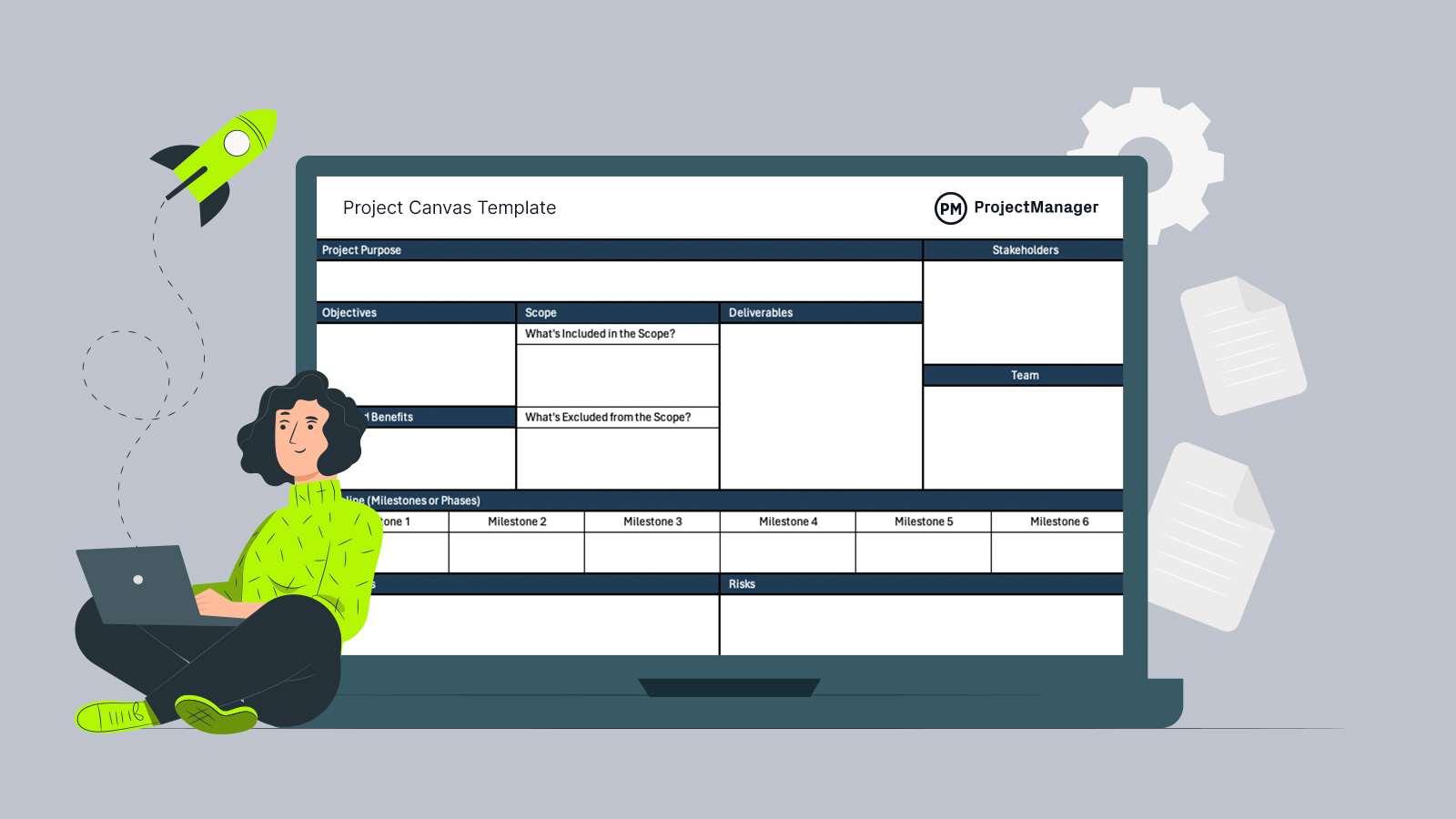
Getting alignment early can make or break a project, especially when ideas are still forming. A project canvas template helps teams quickly map key elements in one place, making it easier to visualize direction, clarify priorities and communicate plans without overcomplicating the process.
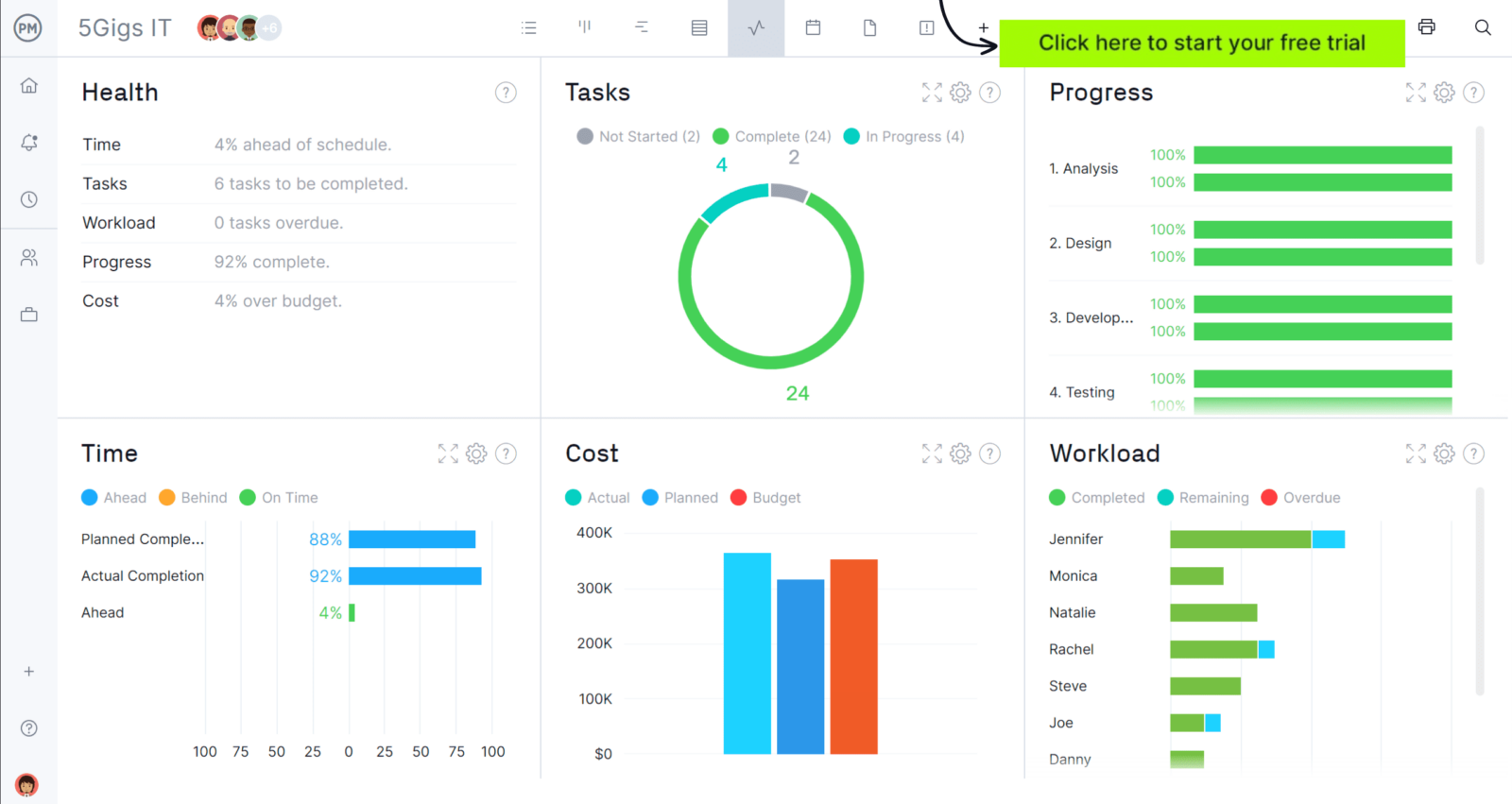
When you’re ready to take control of your projects, try ProjectManager. This award-winning project management software helps teams plan, schedule and track work from start to finish. Create detailed schedules, manage resources, monitor costs and compare planned versus actual performance with a full suite of powerful tools. Get started for free today.
Why You Need a Project Canvas Template
Managing early-stage planning often turns into scattered notes, disconnected ideas and unclear priorities. A project canvas template brings structure to that chaos by consolidating essential elements into a single page that’s easy to scan for the project management team, internal and external stakeholders.
It helps project managers quickly outline objectives, scope, stakeholders and deliverables without building a full plan upfront. This approach is especially valuable for PMOs and project-based organizations that repeatedly initiate projects and need a consistent, efficient way to capture and communicate core project details during the project intake process.
When to Use a Project Canvas Template
Before detailed schedules and budgets are created, teams need a way to shape ideas and validate direction. A project canvas template is designed for the project initiation and early planning phases, where concepts are still evolving. It supports brainstorming, defining high-level components and presenting a clear overview to stakeholders. By organizing information early, it becomes easier to gain alignment, secure approval and move into more structured planning with a solid foundation already in place.
Who Should Use this Free Project Canvas Template?
Any professional involved in defining, planning or evaluating projects can benefit from this template. It is particularly useful for teams that need to quickly align on project direction, communicate ideas clearly and establish a shared understanding before committing to detailed planning or execution activities.
- Project Managers: Use the template to outline project scope, objectives and stakeholders before building detailed schedules and plans.
- PMO Teams: Standardize how projects are initiated across the organization and ensure consistent documentation of key project elements.
- Business Analysts: Capture initial requirements, define problems and align proposed solutions with business needs early in the process.
- Product Managers: Translate product ideas into structured concepts that can be shared with stakeholders for validation and prioritization.
- Team Leads: Clarify project direction for their teams and ensure everyone understands goals, deliverables and expectations from the start.
How to Use ProjectManager’s Project Canvas Template for Excel
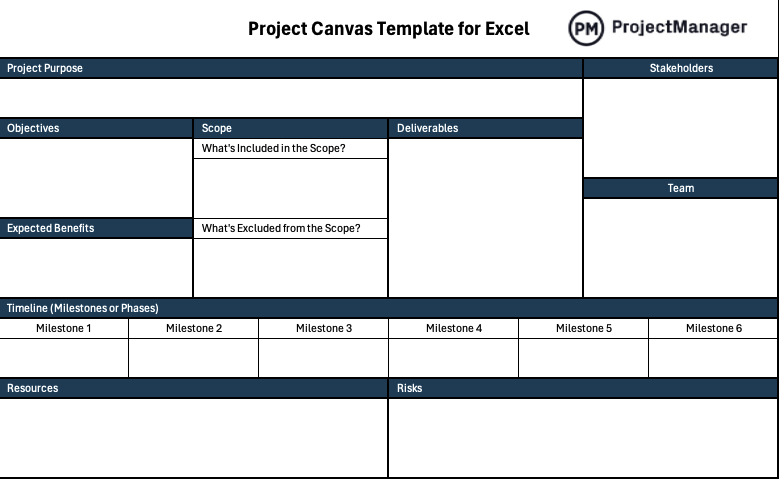
Filling out a project canvas template should feel quick and intuitive, not like building a full project plan. Each section is designed to capture essential decisions that shape direction, helping you move from idea to structured concept without getting stuck in unnecessary detail.
1. Define the Purpose of the Project
Start by completing the “Project Purpose” section at the top of the canvas, where the core reason for the project is captured. Focus on why the project exists and what problem it solves. This anchors all other sections and ensures alignment before moving into objectives or deliverables.
2. Establish Project Objectives
Move to the “Objectives” box and outline what success looks like in clear, measurable terms. These should translate the project purpose into specific outcomes. Keeping objectives concise helps stakeholders quickly understand priorities while ensuring the project stays focused on results rather than vague intentions.
3. Describe Expected Benefits
In the “Expected Benefits” section, identify the value the project will generate once completed. This could include cost savings, revenue growth or operational improvements. Clarifying benefits early helps justify the project and supports decision-making when stakeholders evaluate whether to approve or prioritize the initiative.
4. Describe the Scope of the Project
Use the “Scope” area to define what is included and explicitly state what is excluded from the project. This dual structure prevents misunderstandings and scope creep later on. By outlining boundaries early, teams can align expectations and avoid expanding the project beyond its intended limits.
5. List Project Deliverables
Complete the “Deliverables” section by listing the tangible outputs the project will produce. These should directly support the objectives and reflect the defined scope. Clear deliverables help teams understand what needs to be created and provide a foundation for tracking progress as the project develops.
6. Identify Project Stakeholders
Shift attention to the “Stakeholders” section on the right side of the canvas, where key individuals or groups are listed. Include anyone impacted by or influencing the project. Capturing this early ensures communication paths are clear and helps manage expectations from the start.
7. Determine the Project Team Members
Just below stakeholders, the “Team” section defines who will execute the work. List core roles or individuals responsible for delivering outcomes. Establishing this early helps clarify ownership, ensures accountability and allows stakeholders to understand who will be involved in driving the project forward.
8. Create a High-Level View Timeline
Use the “Timeline (Milestones or Phases)” row to outline major stages of the project. Focus on key milestones rather than detailed scheduling. This provides a quick visual of project progression, helping stakeholders understand timing expectations without diving into complex project timelines or detailed task dependencies.
9. Estimate Resource Requirements
In the “Resources” section, identify the key inputs needed to deliver the project, such as budget, tools or personnel. Keep estimates high-level at this stage. This helps determine feasibility early and ensures the project is grounded in realistic constraints before detailed planning begins.
10. Identify Project Risks
Close out the canvas by completing the “Risks” section, where potential issues that could impact the project are noted. Focus on major uncertainties or constraints rather than exhaustive lists. Recognizing risks early allows teams to anticipate challenges and make more informed decisions before execution starts.
What Other Project Management Templates Can Help with Project Planning?
We’ve created over 100 free project management templates for Excel, Word and Google Sheets. Here are other free templates that can be used with this project canvas template during the project initiation phase.
Project Plan Template for Excel
This project plan template organizes tasks, timelines, resources and budgets into one straightforward Excel format, helping teams define execution steps, track progress and maintain control as projects move from planning into delivery.
Gantt Chart Template
This Gantt chart template visually maps project tasks in an automatically-generated stacked bar chart timeline, showing durations and dependencies, allowing teams to schedule work, track progress and identify delays before they impact overall project completion.
RASCI Matrix Template
This RASCI matrix template clarifies roles and responsibilities by assigning accountability, responsibility, support, consultation and information roles, helping teams reduce confusion, improve coordination and ensure every task has clear ownership.
ProjectManager Is Award-Winning Project Management Software
ProjectManager offers robust project management features such as Gantt charts, task lists, workload management charts, timesheets and real-time dashboards and reports. In addition to that, it’s also equipped with AI project insights, online team collaboration features and unlimited file storage that further help project managers ensure nothing falls through the cracks. Watch the video to learn more!
If you need a tool to help you manage projects, then sign up for our software now at ProjectManager. Our online software helps teams across industries plan, track and oversee projects as they unfold. Sign up for a free 30-day trial today!