


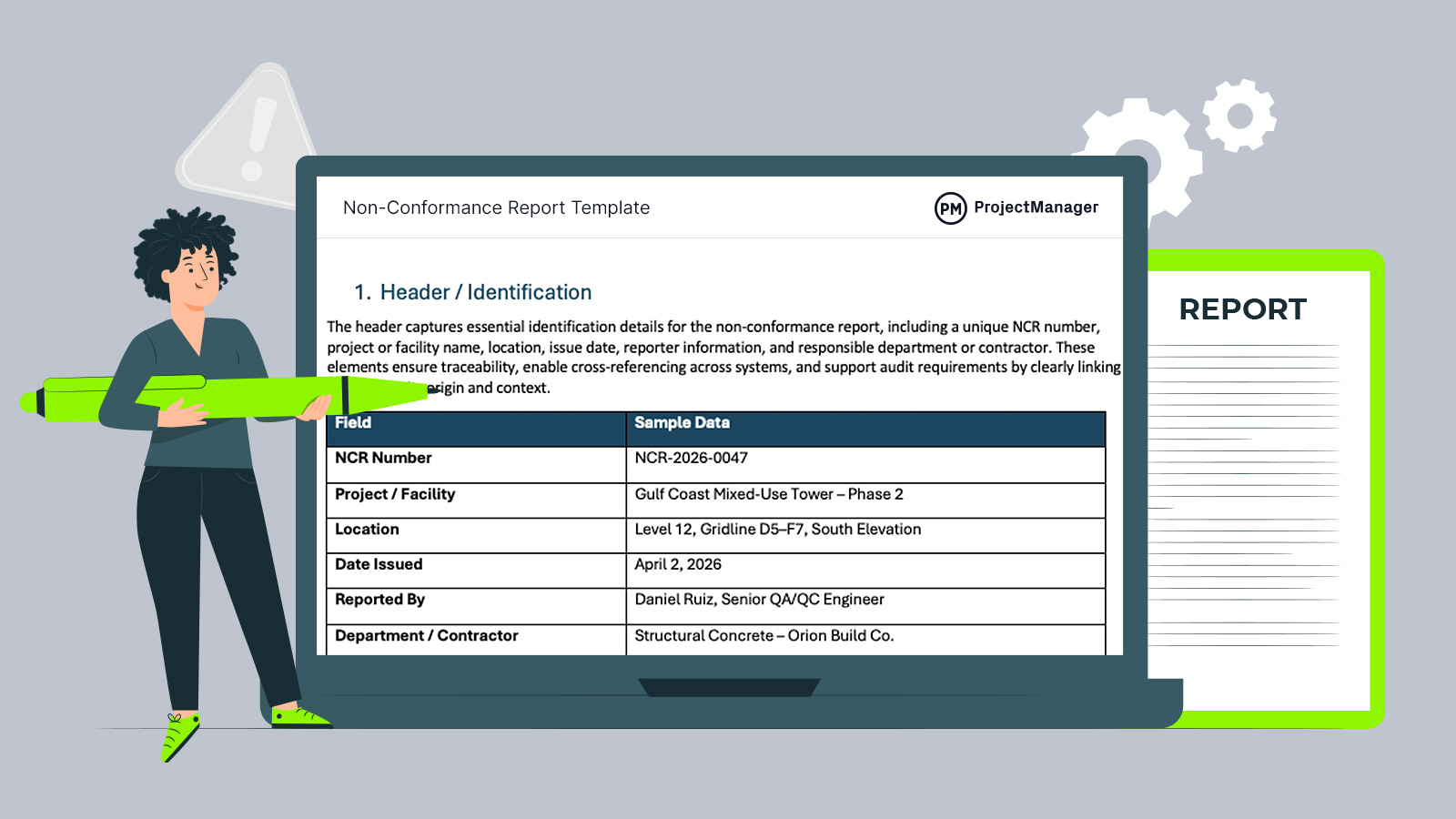
Quality issues can quickly escalate without proper documentation and control. A non-conformance report template helps teams capture deviations consistently, enabling faster corrective actions, better traceability and improved compliance across construction and manufacturing projects.
What Is a Non-Conformance Report?
A non-conformance report is a quality control document that records deviations from specified requirements, characterized by structured issue descriptions, root cause tracking and corrective actions, often caused by process failures, material defects or human error, and resulting in improved accountability and resolution. In practice, it formalizes how issues are identified, evaluated and corrected.
Why Use a Non-Conformance Report Template
Instead of recreating manufacturing or construction documentation each time a quality issue arises, teams rely on a non-conformance report template to ensure consistency and completeness. It includes all required fields for proper documentation, from issue description to corrective actions. Using a standardized format improves quality control, speeds up reporting and ensures every non-conformance is handled systematically across projects.
Whenever you’re ready to start managing projects, give ProjectManager a try. ProjectManager is an award-winning project management software designed to plan, schedule and track projects from start to finish. Build detailed project schedules, allocate resources, monitor costs and compare estimates against actual performance using a complete set of powerful project management tools. Get started for free today.
When to Use this Non-Conformance Report Template
On construction projects, this non-conformance report template is typically used whenever work deviates from approved drawings, specifications or contractual requirements. It helps document issues as they occur, enabling teams to control quality, initiate corrective actions and maintain compliance throughout project execution and inspections.
- Work installed on-site does not match approved drawings, requiring documentation and corrective action before further construction continues.
- Materials delivered to the site fail inspection due to defects, damage or non-compliance with specified standards and requirements.
- Subcontractor work does not meet quality expectations or contractual specifications, requiring formal documentation and resolution tracking.
- Inspection or test results reveal failures in structural, mechanical or electrical components that must be addressed before acceptance.
- Construction activities violate safety or regulatory standards, requiring immediate documentation and corrective measures to maintain compliance.
Within manufacturing environments, this non-conformance report template is used when products, business processes or materials fail to meet defined quality standards. It enables teams to document defects, trace root causes and implement corrective actions, ensuring production consistency, regulatory compliance and continuous improvement across operations.
- Finished products fail quality inspections due to defects, dimensional inaccuracies or performance issues identified during testing.
- Production processes deviate from standard operating procedures, resulting in inconsistencies or defects that require formal investigation.
- Incoming raw materials or components from suppliers do not meet specifications, triggering rejection, return or further evaluation.
- Equipment malfunctions or calibration issues lead to defective output, requiring documentation and corrective action to restore performance.
- Customer complaints or returns highlight recurring product defects, prompting formal reporting and root cause analysis within quality systems.
Who Is this Non-Conformance Report Template for?
Across industries where quality control is critical, this non-conformance report template supports teams responsible for identifying and resolving deviations. It is particularly useful in construction and manufacturing environments, where structured documentation ensures compliance, accountability and traceability. By standardizing reporting, organizations can improve coordination between teams and maintain consistent quality management practices.
Construction
- Project manager: Oversees project execution and uses the report to track quality issues, assign corrective actions and ensure all work meets contractual and specification requirements.
- Site engineer: Inspects ongoing work and documents deviations from drawings or technical specifications to ensure issues are identified early and corrected efficiently.
- Quality control inspector: Performs field inspections, records defects, verifies corrective measures and maintains documentation required for audits and compliance reviews.
- General contractor: Manages subcontractors and uses the report to document non-compliant work, enforce standards and maintain accountability across multiple trades.
- Health and safety officer: Tracks unsafe or non-compliant conditions that may impact worker safety, ensuring proper documentation and corrective action are implemented.
Manufacturing
- Quality assurance manager: Monitors production quality, logs defects, analyzes root causes and ensures corrective actions are implemented across manufacturing processes.
- Production supervisor: Oversees daily operations, reports deviations in output quality and coordinates rework or adjustments to maintain production standards.
- Process engineer: Investigates recurring defects using structured reports to identify inefficiencies and improve manufacturing workflows and system performance.
- Procurement manager: Evaluates supplier performance by documenting defective materials and ensuring vendors meet established quality requirements and specifications.
- Compliance officer: Ensures adherence to industry regulations and standards by reviewing non-conformance reports and verifying that corrective actions are properly documented.
How to Use this Non-Conformance Report Template
Start by working through each section in order, treating the template as a guided workflow rather than just a form. Capture facts early, contain the issue quickly and document decisions as they happen. When used consistently, this non-conformance report template helps teams move from identifying a problem to resolving it with clear accountability and traceability.
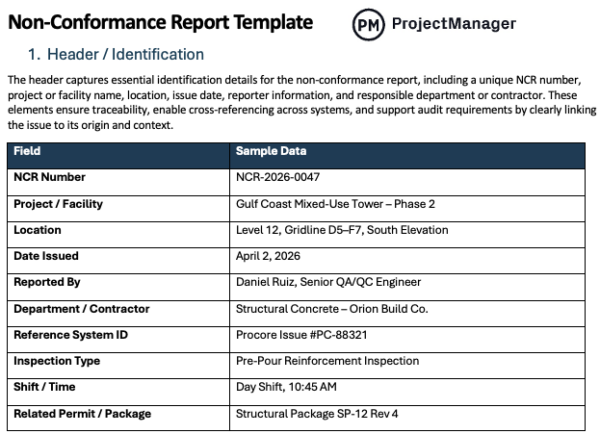
1. Header / Identification
Begin by filling in the key identifiers that anchor the report, such as the NCR number, project or facility name, location, date and reporting party. These details connect the issue to a specific context, making it easier to track, reference and retrieve later during audits, reviews or ongoing quality management activities.
2. Non-Conformance Details
Next, describe exactly what went wrong using clear, objective language that compares actual conditions to expected requirements. Reference the relevant drawing, specification or standard, and pinpoint where the issue occurred. This step creates a factual foundation that guides investigation, decision-making and corrective actions without relying on assumptions.
3. Classification of Non-Conformance
Once the issue is defined, categorize it by type and assign a severity level to reflect its impact. Selecting the right classification helps determine how urgently the issue must be addressed and whether escalation is required. Consistent categorization also allows teams to analyze trends and prioritize quality improvements over time.
4. Affected Scope
After classifying the issue, identify how far it extends across products, components or work areas. Include quantities, batches or specific units involved, along with any traceability references. Defining the scope ensures that all impacted items are accounted for, preventing incomplete containment and reducing the risk of overlooked defects.
5. Immediate Containment Actions
At this stage, focus on stopping the problem from spreading by documenting actions taken right away. This may include halting work, isolating materials or restricting use of affected items. Recording who acted and when provides clarity, while ensuring the issue is controlled before deeper analysis and resolution begin.
6. Disposition
With the situation contained, determine how the non-conforming item or work will be handled. Choose an appropriate option such as rework, repair, scrap or acceptance with justification. Documenting this decision ensures that all outcomes are deliberate, approved when required and aligned with quality standards and contractual expectations.
7. Root Cause Analysis
Rather than stopping at symptoms, dig into why the issue occurred by applying structured analysis methods. Identify the underlying cause based on evidence, not assumptions. A well-defined root cause allows teams to move beyond temporary fixes and build solutions that address the source of the problem.
8. Corrective Actions
From the root cause, outline the specific steps needed to fix the issue and restore compliance. Assign responsibilities, set deadlines and track progress as actions are implemented. Clear documentation here ensures accountability and keeps resolution efforts aligned with the original problem identified.
9. Preventive Actions
Looking beyond the immediate fix, define improvements that reduce the likelihood of the issue happening again. This might involve updating procedures, enhancing training or adjusting controls. Capturing these actions turns a single incident into an opportunity to strengthen overall quality performance.
10. Verification of Effectiveness
Before closing the report, confirm that corrective and preventive actions have worked as intended. Use inspections, testing or audits to validate results and document the outcome. This step ensures the solution is not only implemented but also effective under normal operating conditions.
11. Attachments / Evidence
Support the report with relevant documentation such as photos, test results or inspection records. Including evidence helps others understand the issue, review decisions and verify that actions were appropriate. It also strengthens the report’s credibility during audits or stakeholder reviews.
12. Sign-Off & Closure
Finally, complete the process by obtaining required approvals and confirming that all actions and verifications are finished. Recording the closure formalizes accountability and ensures the report is ready for future reference, whether for audits, lessons learned or continuous improvement initiatives.
ProjectManager Is an Award-Winning Project Management Software
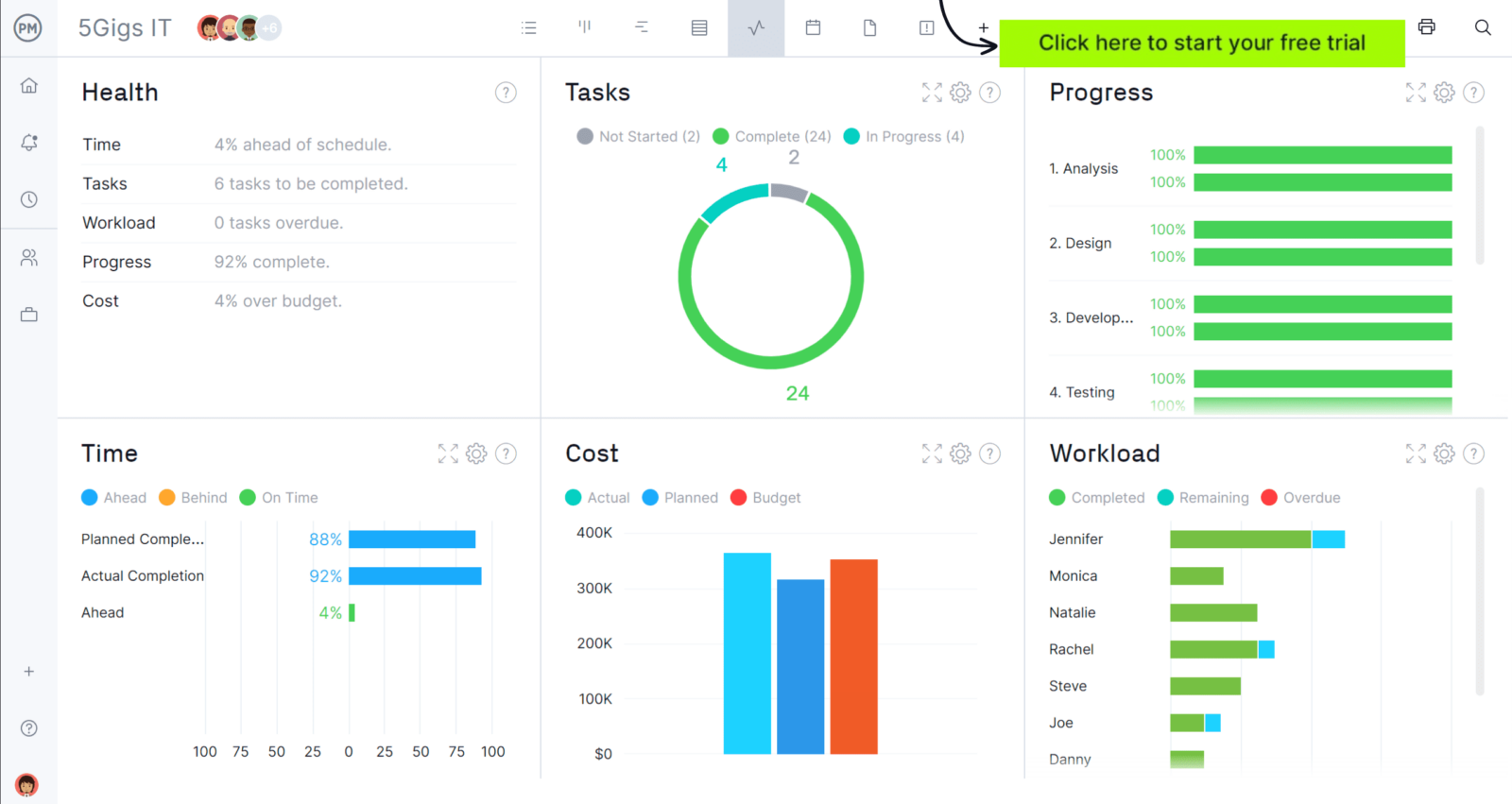
ProjectManager offers robust project management features such as Gantt charts, task lists, workload management charts, timesheets and real-time dashboards and reports. In addition to that, it’s also equipped with AI project insights, online team collaboration features and unlimited file storage that further help project managers ensure nothing falls through the cracks. Watch the video to learn more!
If you need a tool to help you manage projects, then signup for our software now at ProjectManager. Our online software helps teams across industries plan, track and oversee projects as they unfold. Sign up for a free 30-day trial today!