


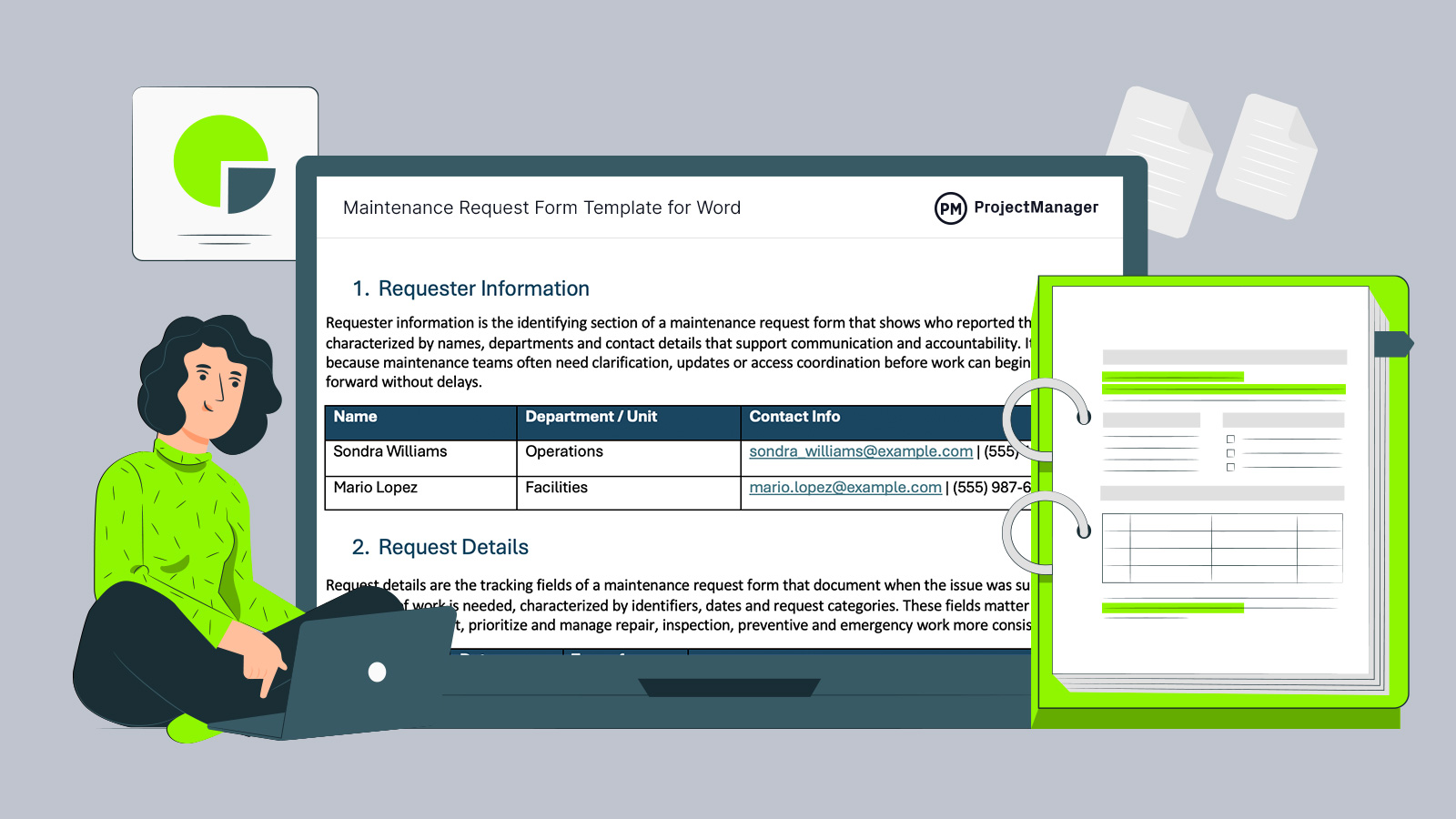
Keep repair requests organized and actionable with this maintenance request form template, designed to capture issues clearly and streamline maintenance workflows.
What Is a Maintenance Request Form?
A maintenance request form is a standardized document used to report issues requiring repair, inspection or servicing, characterized by structured fields that capture asset details, problem descriptions and priority levels, often triggered by equipment failure or facility issues, resulting in organized workflows and faster resolution. In practice, it channels requests into a trackable system, reducing delays and miscommunication.
Why Use a Maintenance Request Form Template
Handling maintenance requests without structure often leads to missed details, slow responses and inconsistent prioritization. A maintenance request form template standardizes how issues are reported, ensuring every request includes the necessary information. This consistency allows teams to triage work effectively, assign resources faster and maintain clear visibility over ongoing maintenance activities across the organization.
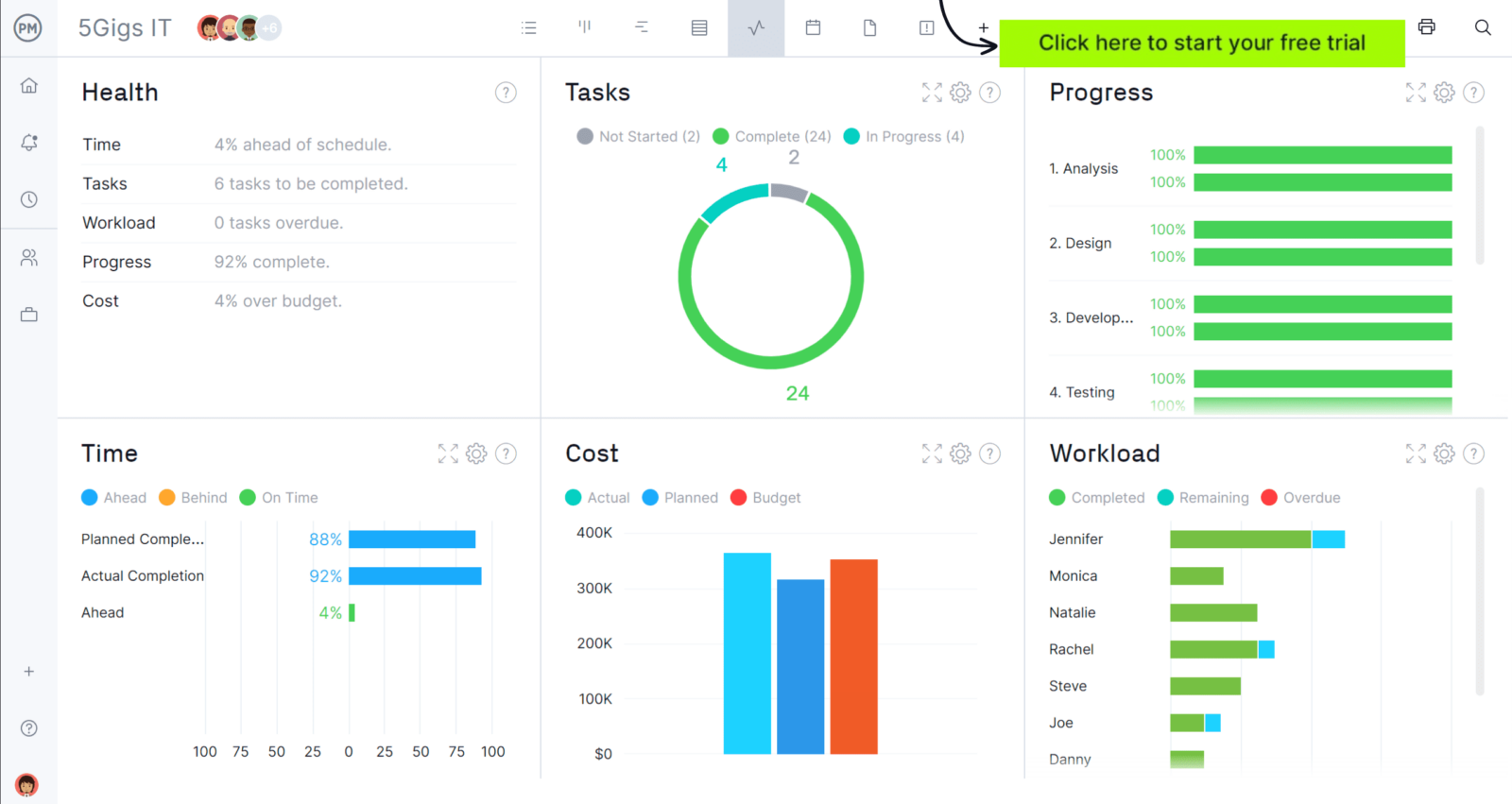
When you’re ready to start managing projects, give ProjectManager a try. ProjectManager is an award-winning project management software designed to plan, schedule and track projects from start to finish. Build detailed project schedules, allocate resources, monitor costs and compare estimates against actual performance using a complete set of powerful project management tools. Get started for free today.
Who Is this Maintenance Request Form for?
Organizations of all sizes rely on a maintenance request form to manage repair needs, from operational facilities to service-based environments where equipment and infrastructure must remain functional, safe and efficient.
- Manufacturing companies rely heavily on maintenance request forms to report equipment failures, minimize downtime and keep production lines operating without costly interruptions.
- Property management firms use maintenance request forms to handle tenant-reported issues, ensuring repairs are tracked, prioritized and resolved across multiple buildings and units.
- Facilities management teams depend on maintenance request forms to coordinate building upkeep, including HVAC systems, electrical infrastructure and general workplace maintenance tasks.
- Healthcare organizations use maintenance request forms to manage critical equipment servicing and facility issues that directly impact patient safety and regulatory compliance.
- Hospitality businesses such as hotels rely on maintenance request forms to quickly resolve guest-reported issues and maintain high service standards and satisfaction levels.
- Educational institutions use maintenance request forms to manage campus-wide repairs, from classroom equipment to infrastructure across large and complex facilities.
- Transportation and logistics companies depend on maintenance request forms to track vehicle servicing, equipment repairs and infrastructure issues that affect delivery operations.
- Retail chains use maintenance request forms to maintain store environments, ensuring fixtures, refrigeration units and facilities remain functional for daily operations.
How to Use this Free Maintenance Request Form Template
Now let’s go over the components of this maintenance request template and step-by-step instructions on how to use it.
1. Requester Information
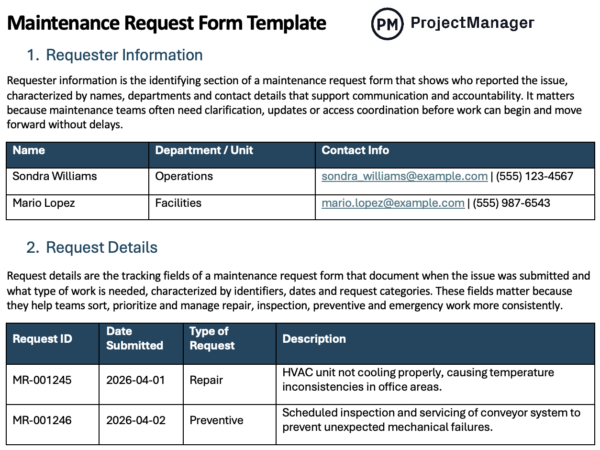
Requester information is the identifying section of a maintenance request form that shows who reported the issue, characterized by names, departments and contact details that support communication and accountability. It matters because maintenance teams often need clarification, updates or access coordination before work can begin and move forward without delays.
- Name: Identifies the individual submitting the maintenance request for tracking purposes.
- Department / unit: Indicates organizational group responsible or impacted by the issue.
- Contact info (email, phone): Provides communication details for updates, clarification and coordination during repairs.
2. Request Details
Request details are the tracking fields of a maintenance request form that document when the issue was submitted and what type of work is needed, characterized by identifiers, dates and request categories. These fields matter because they help teams sort, prioritize and manage repair, inspection, preventive and contingency work more consistently.
- Request ID (if system-generated): Unique identifier used to track and reference maintenance requests efficiently.
- Date submitted: Records when the request was created for prioritization and tracking.
- Type of request (repair, inspection, preventive, emergency): Classifies the maintenance work required based on urgency and purpose.
3. Asset / Location Information
Asset and location information is the reference section of a maintenance request form that identifies what needs attention and where it is located, characterized by equipment names, asset IDs and site details. It matters because technicians need precise location data to diagnose problems faster and arrive prepared for the right system.
- Equipment name or ID: Specifies the exact asset requiring maintenance or inspection work.
- Location (building, floor, room, site): Identifies where the issue occurs within a production facility or site.
- Asset category (HVAC, electrical, machinery, etc.): Defines the system type to guide appropriate maintenance expertise needed.
4. Description of the Issue
The issue description is the diagnostic section of a maintenance request form that explains what is going wrong, characterized by symptoms, timing and frequency of the problem. It matters because detailed observations reduce guesswork, help technicians identify likely causes and improve the chances of resolving the issue in one visit.
- Detailed problem description: Explains the issue clearly to support accurate diagnosis and repair.
- Symptoms observed: Lists visible or measurable signs indicating malfunction or performance issues.
- When the issue started: Indicates the time or date the problem first appeared.
- Frequency (constant, intermittent): Describes how often the issue occurs to support troubleshooting efforts.
5. Priority Level
Priority level is the ranking section of a maintenance request form that indicates how urgent the work is, characterized by categories such as low, medium, high and critical. It matters because maintenance teams must respond based on safety exposure, operational disruption and downtime cost rather than simply handling requests in order.
- Low / Medium / High / Critical: Indicates urgency level to prioritize maintenance tasks and resource allocation.
- Sometimes tied to: Connects priority assignment to specific risk or operational impact factors.
- Safety risk: Evaluates potential harm to people if the issue remains unresolved.
- Operational impact: Assesses how the issue affects productivity or business operations overall.
- Downtime cost: Estimates financial loss caused by equipment failure or service interruption.
6. Attachments (Optional but Valuable)
Attachments are supporting materials in a maintenance request form that provide visual or technical evidence of the problem, characterized by photos, videos and machine readings. They matter because maintenance teams can assess severity, identify visible faults and prepare tools or parts in advance, which speeds diagnosis and reduces unnecessary back-and-forth.
- Photos: Visual evidence showing the condition or damage of the asset.
- Videos: Motion-based evidence illustrating how the issue occurs in real scenarios.
- Error logs or readings: Technical data capturing system errors or abnormal performance metrics.
7. Requested Action
Requested action is the response section of a maintenance request form that states what type of work is being sought, characterized by repair, inspection, replacement or preventive service. It matters because clarifying the expected outcome helps maintenance planners assign the right personnel, schedule the job properly and align expectations from the start.
- Repair: Fixes the issue to restore normal asset functionality quickly.
- Inspection: Examines the asset to identify issues or confirm operational condition.
- Replacement: Substitutes damaged or obsolete components with new functional parts.
- Preventive maintenance: Performs routine servicing to avoid future failures and extend lifespan.
8. Approval / Routing (if applicable)
Approval and routing is the control section of a maintenance request form that determines who authorizes the work and where the request goes next, characterized by supervisor review, team assignment and work order linkage. It matters because formal routing prevents confusion, supports accountability and ensures requests reach the correct maintenance channel.
- Supervisor approval: Authorizes maintenance work before resources are allocated and tasks begin.
- Maintenance team assignment: Designates responsible technicians or teams to handle the request.
- Work order linkage: Connects the request to an official work order for execution.
9. Status Tracking Fields
Status tracking fields are the progress-monitoring section of a maintenance request form that show how the work is moving from submission to completion, characterized by status labels, assigned technicians and scheduling dates. They matter because teams need visibility into open work, timing and completion in order to manage workloads and follow through.
- Status (Open, In Progress, Completed, Closed): Indicates current stage of the maintenance request lifecycle for visibility.
- Assigned technician: Identifies the individual responsible for completing the maintenance task assigned.
- Scheduled date: Specifies when the maintenance work is planned to take place.
- Completion date: Records when the maintenance task was finished and closed.
10. Notes & Resolution
Notes and resolution is the closure section of a maintenance request form that records what was done and what was learned, characterized by repair actions, parts used, root cause findings and follow-up needs. It matters because completed records support future troubleshooting, maintenance history, recurring issue analysis and stronger long-term asset management.
- Work performed: Describes actions taken to resolve the maintenance issue effectively.
- Parts used: Lists materials or components utilized during the maintenance repair process.
- Root cause: Identifies underlying reason the issue occurred to prevent recurrence.
- Follow-up required: Indicates additional actions needed after initial maintenance task completion.
Free Related Templates
We’ve created over 100 free project management templates that can be used across industries such as construction, manufacturing, software development and IT. Here are some that can be helpful in conjunction with this material requisition form template
Maintenance Schedule Template
Plan recurring maintenance tasks, track equipment condition and assign responsibilities with this maintenance schedule template. It helps teams prevent breakdowns, manage service intervals and ensure assets are maintained consistently across operations.
Asset Register Template
Track equipment details, locations, ownership and financial data with this asset register template. It provides a centralized view of assets, supporting maintenance planning, lifecycle management and better decision-making across operations and procurement teams.
Material Requisition Form
Request materials, track quantities, set priorities and coordinate deliveries using this material requisition form. It ensures teams receive the right supplies on time, reducing delays and improving coordination between project, procurement and inventory functions.
ProjectManager Is an Award-Winning Project Management Software
ProjectManager offers robust project management features such as Gantt charts, task lists, workload management charts, timesheets and real-time dashboards and reports. In addition to that, it’s also equipped with AI project insights, online team collaboration features and unlimited file storage that further help project managers ensure nothing falls through the cracks. Watch the video to learn more!
Related Maintenance Management Content
- Equipment Maintenance Log: How-to Guide, Example & Free Template
- How to Make a Maintenance Schedule (Example & Template Included)
- Maintenance Planning in Manufacturing & Other Industries
- Total Productive Maintenance Essentials: 8 Things You Need to Know About TPM
If you need a tool to help you manage projects, then signup for our software now at ProjectManager. Our online software helps teams across industries plan, track and oversee projects as they unfold. Sign up for a free 30-day trial today!