


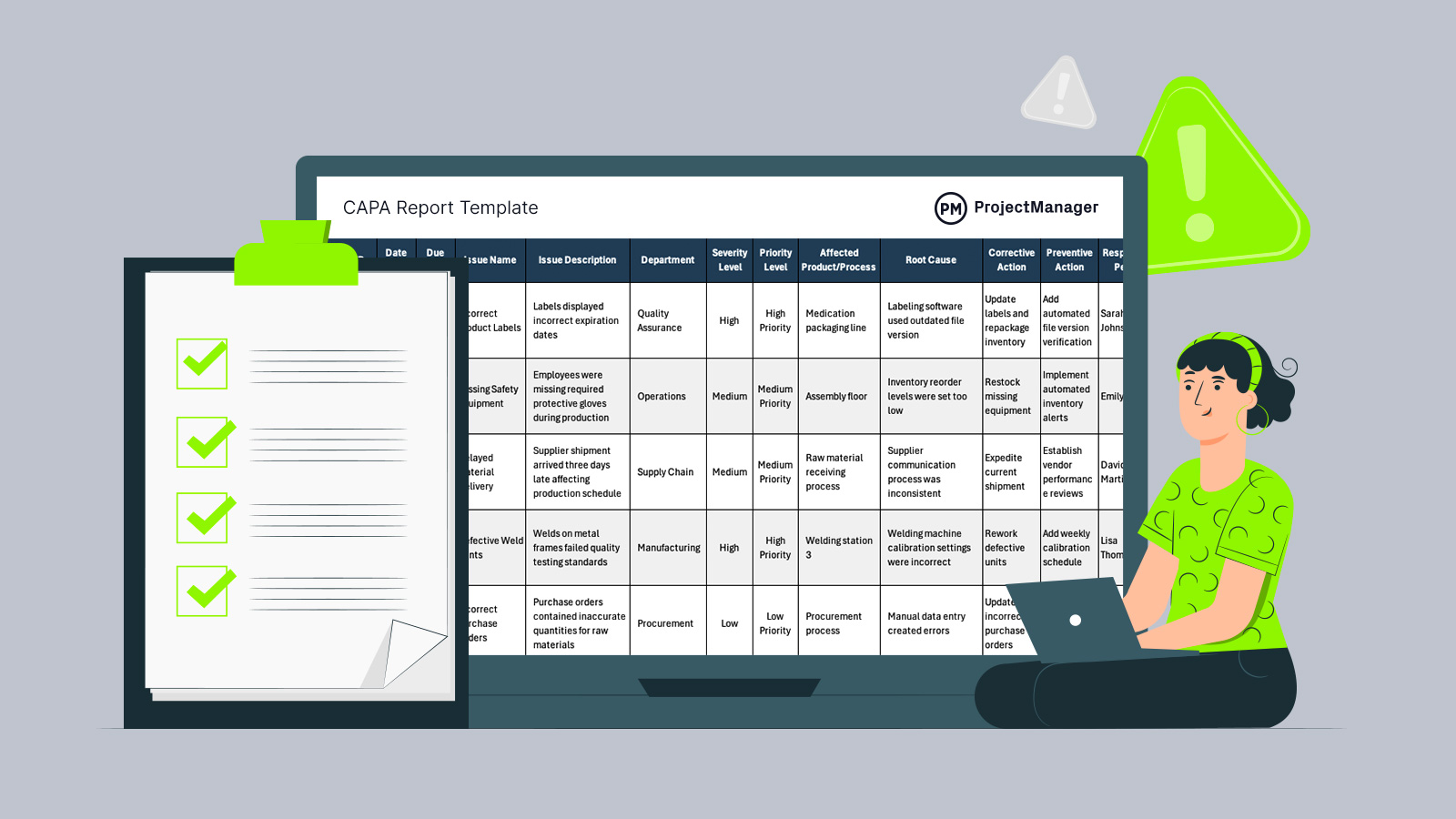
Problems rarely stay isolated once they begin affecting schedules, product quality or day-to-day operations. Teams often need a reliable way to document issues before they create delays, rework or recurring failures.
A CAPA report template creates a structured process for recording findings, assigning actions and following progress through completion. Whether organizations are handling manufacturing defects, safety concerns, process failures or customer complaints, having a centralized system makes issue tracking more organized and easier to manage over time.
Why You Need a CAPA Report Template
When recurring issues are handled through emails, notes or disconnected documents, important details can easily be missed. This CAPA template for Excel is ideal for identifying issues, their severity, priority level and the preventive and corrective actions needed to resolve them. Teams can also document due dates, status updates, root cause findings, evaluation methods and effectiveness results within a single place.
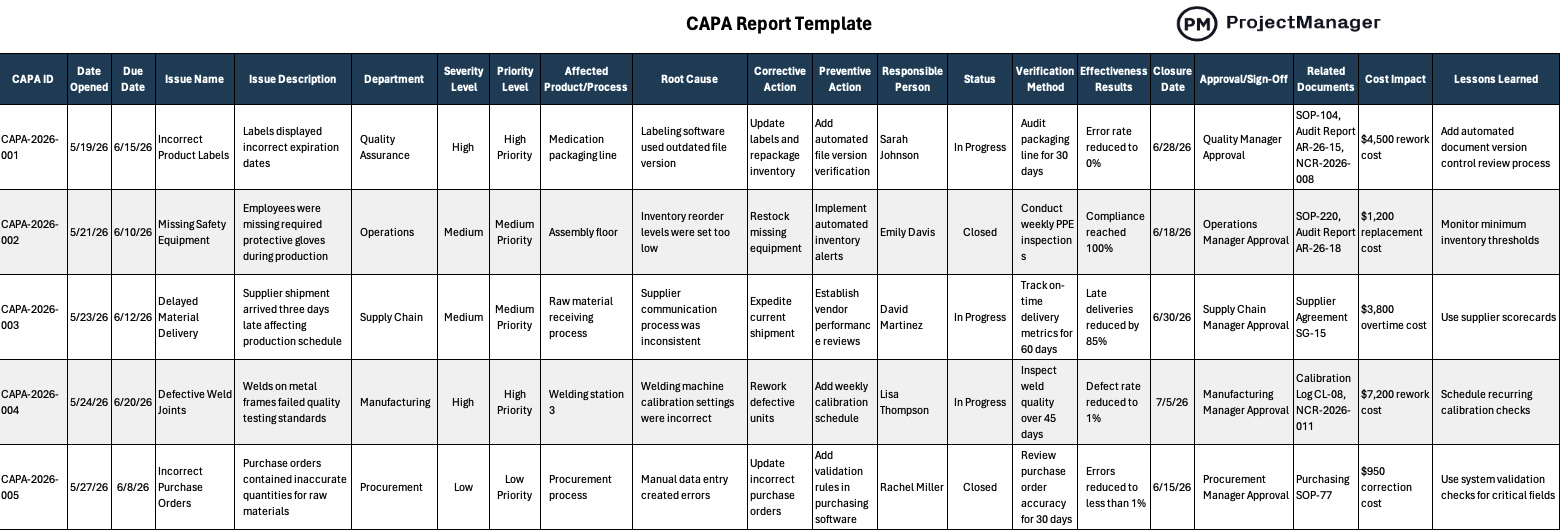
Instead of creating separate files for investigations and action plans, users can maintain an organized workflow that supports consistent follow-up activities. Organizations across industries can use this free CAPA template to streamline issue management and improve accountability throughout the resolution process.
When To Use a CAPA Report Template
Operational challenges appear in different forms depending on the industry, process or project environment. Several situations can create the need for a structured investigation process, which is why this free CAPA report template can support teams whenever issues require documented actions, ownership and long-term prevention measures.
- Use this template after identifying recurring manufacturing defects that require root cause investigation and preventive action planning.
- Apply this CAPA report template when internal quality audits reveal process failures or compliance issues requiring corrective measures.
- Document customer complaints involving damaged products, service issues or delivery errors that need formal resolution tracking.
- Track safety incidents that uncover operational risks and require assigned actions, deadlines and effectiveness evaluations.
- Manage process improvement initiatives where teams need to identify causes of inefficiencies and prevent future disruptions.
ProjectManager is award-winning project management software that gives teams across industries the tools they need to ensure projects are completed on time, within budget and within scope. It allows project managers to create detailed project schedules, estimate costs, allocate resources, set budgets, track progress and compare estimated versus actual project outcomes using real-time dashboards and reports to identify delays or cost overruns quickly. Get started with ProjectManager for free today.
Who Should Use this Free CAPA Report Template?
Responsibility for identifying and resolving issues rarely falls on a single department. Different teams across an organization may participate in investigations, assign corrective actions, verify outcomes or monitor recurring problems, making a CAPA template useful for a wide range of operational and management roles.
- Quality assurance managers who oversee audits, product quality standards and corrective action processes across multiple departments.
- Manufacturing supervisors responsible for tracking defects, identifying production issues and preventing recurring operational failures.
- Health and safety managers who investigate workplace incidents and implement actions to reduce future risks.
- Operations managers who need visibility into process bottlenecks, issue resolution progress and accountability assignments.
- Compliance specialists responsible for documenting investigations, maintaining records and supporting regulatory requirements during inspections.
How to Use ProjectManager’s CAPA Report Template for Excel
Once the template is downloaded, use each row to document one issue from identification through closure. The spreadsheet is organized so teams can describe the problem, assign corrective and preventive actions, monitor status and record the results needed to confirm whether the issue has been resolved properly.
1. Describe the Issue
Begin by entering the issue name, issue description and department where the problem was found. Then identify the affected product or process so the team understands the operational area involved. Add the severity level and priority level to show how urgent the issue is, helping managers decide which CAPA items require immediate attention.
2. Identify Preventive and Corrective Actions
Next, document the root cause of the issue so the team can address the source of the problem, not only the symptom. Enter the corrective action, preventive action, responsible person and current status. These fields clarify what must be fixed, what must change and who owns the issue management process.
3. Document Issue Management Results
Finally, record the closure date, verification method and effectiveness results to confirm whether the corrective action worked. Add the approval and sign-off, related documents, cost impact and lessons learned so the CAPA report template becomes a complete record of the investigation, resolution, business impact and improvements made for future issue prevention.
ProjectManager Is Award-Winning Project Management Software
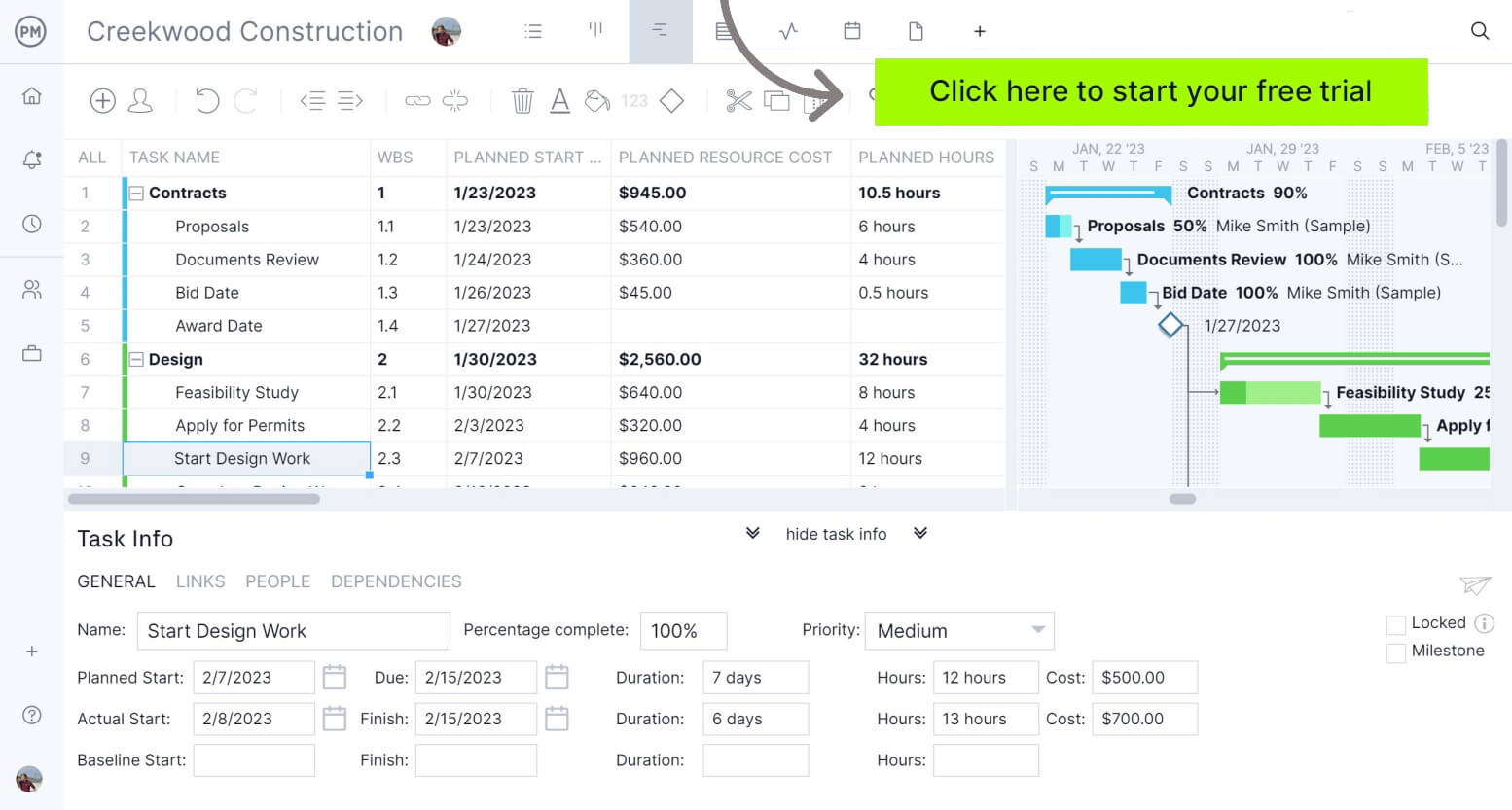
ProjectManager provides a complete set of planning, scheduling and tracking tools, including Gantt charts, kanban boards, task lists and project and portfolio roadmaps. Teams can build detailed schedules, assign resources and monitor progress, costs, workload and timelines through real-time dashboards, timesheets, workload charts and performance reports.
Built as a cloud-based platform, ProjectManager allows teams to update schedules, manage tasks and generate reports in real time from any location. It also delivers AI-powered project insights to support better decision-making and connects with over 100 tools like Jira, Power BI and Azure DevOps. With its open API and wide range of integrations, organizations can seamlessly link ProjectManager to their existing systems. Watch the video below to learn more!
What Other Project Management Templates Can Help Resolve Issues?
We’ve created over 100 free project management templates for Excel, Word and Google Sheets. Here are some that can be used in conjunction with this free CAPA report template for Excel.
Root Cause Analysis Template
Identify the underlying causes of recurring problems with a structured template that helps teams organize findings, investigate contributing factors and develop solutions that prevent issues from happening again.
Issue Tracking Template
Monitor problems from identification through resolution by documenting issue details, ownership, priorities, status updates and deadlines within a centralized system for better visibility.
Non-Conformance Report Template
Document products, processes or activities that fail to meet requirements while recording findings, corrective actions and investigation details needed to address quality issues.
ProjectManager is online project and portfolio management software that connects teams, whether they’re in the office or out in the field. They can share files, comment at the task level and stay updated with email and in-app notifications. Get started with ProjectManager today for free.