


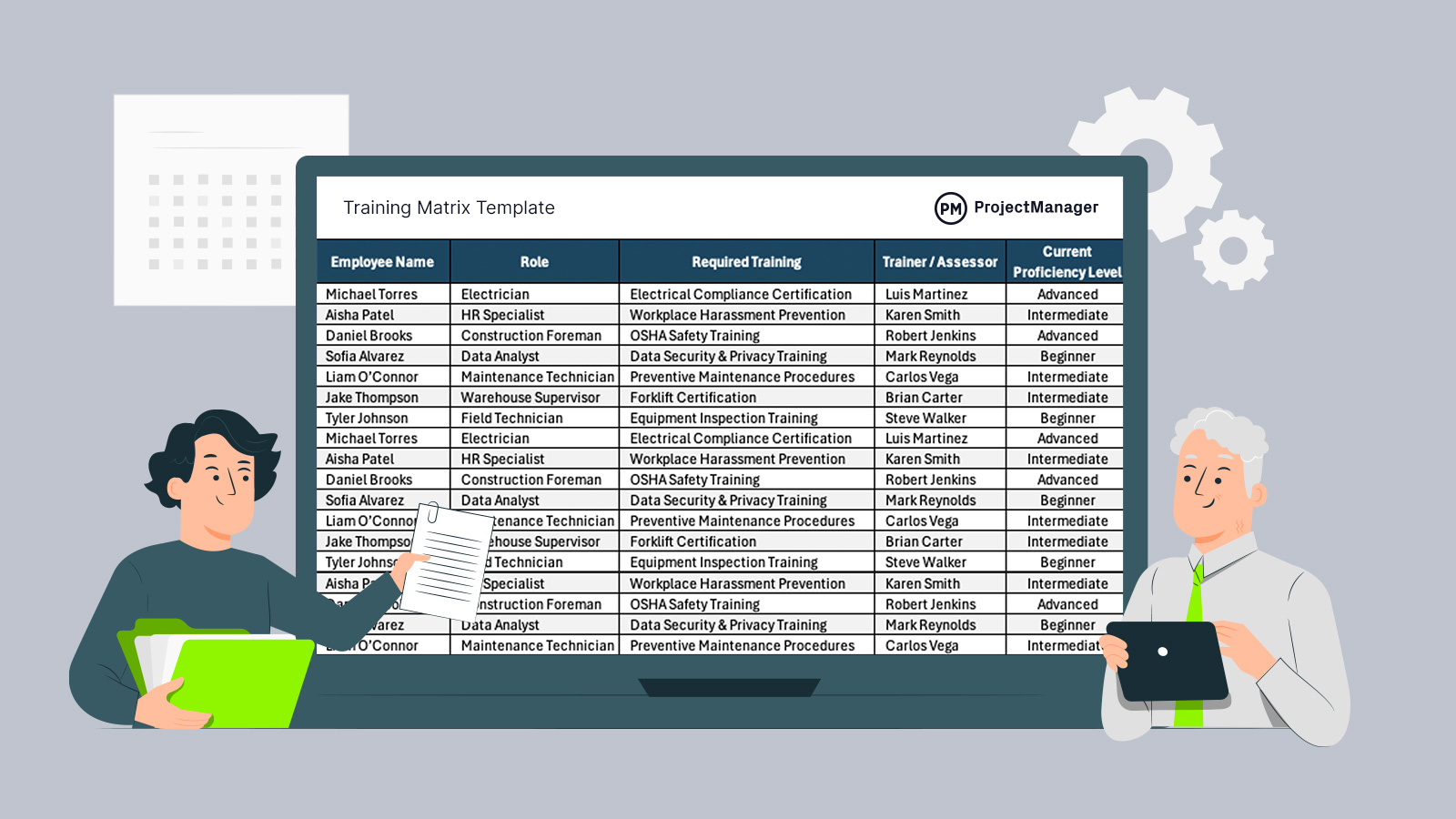
Keep employee training organized and up to date with this training matrix template for Excel, designed to track skills, certifications, training progress and renewal dates across teams.
Why You Need a Training Matrix Template
Managing employee development across teams quickly becomes difficult without a structured system. A training matrix template helps track required training, skill levels and key dates so nothing slips through the cracks. It gives managers visibility into workforce readiness, supports compliance efforts and ensures employees maintain the qualifications needed to perform their roles effectively.

When To Use a Training Matrix Template
Bringing new employees into a team is one of the most common moments to use a training matrix template, as it helps define onboarding requirements and track progress from day one. Performance reviews are another key use, allowing managers to evaluate skill gaps and plan development. It’s also useful during audits, role changes, certification renewals and workforce planning initiatives.
Related: 9 Free Employee Onboarding Templates for Excel and Word
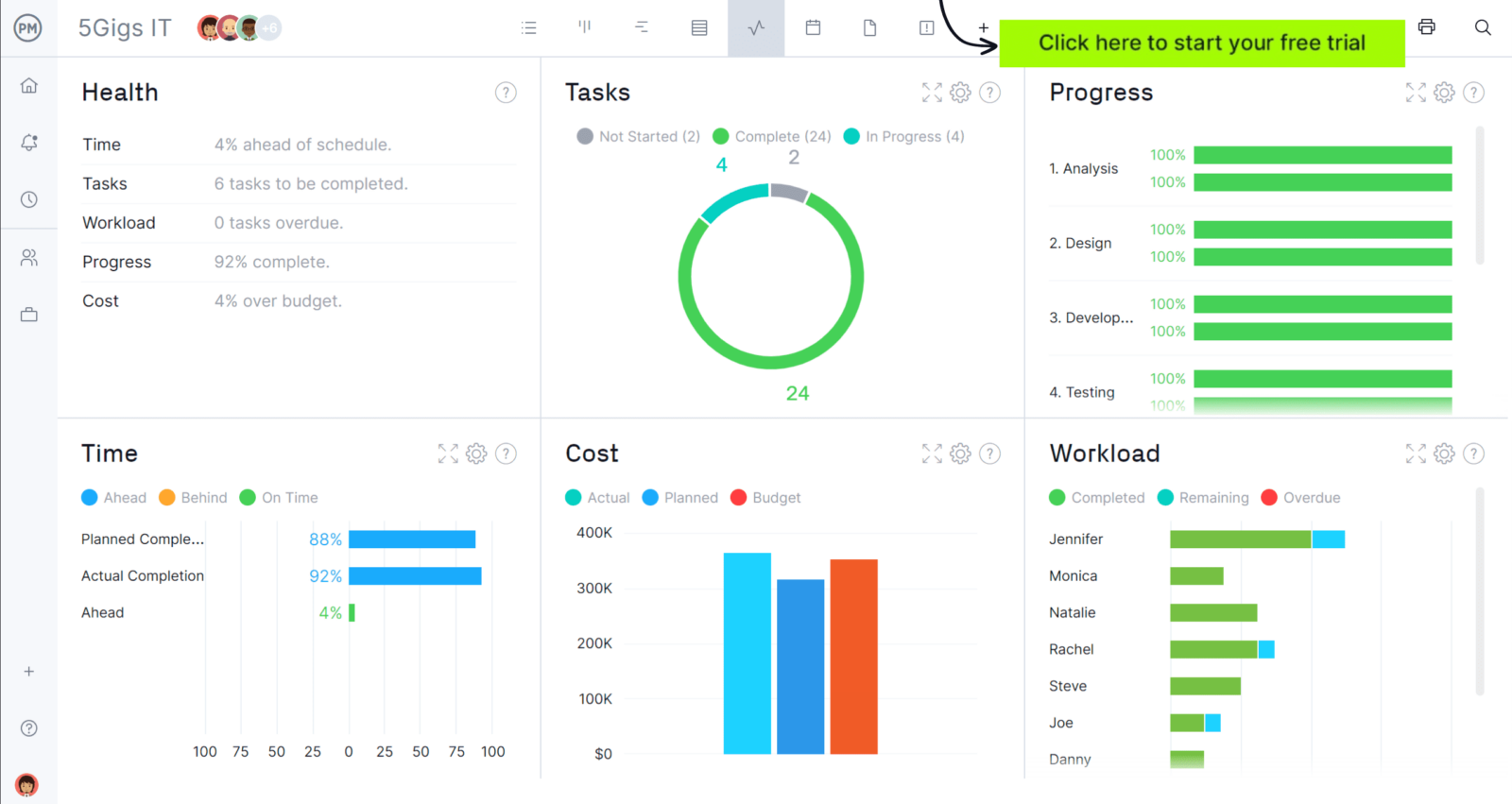
If you want to guide your team towards success, try ProjectManager. This award-winning project management software helps teams across industries plan, schedule and track work from start to finish. Create detailed schedules, manage resources, monitor costs and compare planned versus actual performance with a full suite of powerful tools. Get started for free today.
Who Should Use this Free Training Matrix Template?
Any organization that relies on skilled employees, certifications or structured training programs can benefit from a training matrix template. It’s especially useful in industries like construction, manufacturing, healthcare and corporate environments where compliance and performance matter.
Teams that manage onboarding, safety training, professional development or technical skills will find it essential for keeping workforce capabilities organized and up to date.
- Human Resources: Tracks onboarding, employee development plans and mandatory workplace training.
- Operations: Ensures employees are trained to perform tasks efficiently and meet production standards.
- Safety & Compliance: Monitors certifications, regulatory training and audit readiness.
- Project Management: Confirms team members have the required skills for assigned work.
- IT & Technical Teams: Tracks system training, security protocols and software proficiency.
How to Use ProjectManager’s Training Matrix Template for Excel
Using a training matrix template effectively depends on setting it up once, then maintaining it as your team evolves. The goal is to create a reliable system that tracks skills, training progress and certification status in one place.
1. Add Employees, Roles and Required Training
Start by listing each employee alongside their role so responsibilities are clearly defined. From there, enter the required training programs or certifications tied to those roles. Focus on what employees need to perform their work safely and correctly, including compliance, technical skills and internal processes. This step establishes the structure for everything that follows.
2. Define Training Details and Proficiency Levels
Once training is listed, organize it by category and method to improve visibility across teams. Identify whether training is safety, compliance or development-related and specify how it’s delivered, such as online, in person or on the job.
Related: Skills Matrix Template
At the same time, record each employee’s current proficiency level to understand their capabilities and highlight skill gaps that need attention.
3. Track Progress with Status and Dates
Update the training status as employees move from not started to in progress and completed to maintain a clear view of progress. Enter training start and completion dates to monitor timelines and measure how long programs take. Keeping this information current allows managers to quickly identify delays, prioritize follow-ups and ensure training stays on schedule.
4. Monitor Certifications and Keep the Matrix Updated
Indicate whether certifications have been obtained and record expiration or renewal dates to avoid compliance risks. Review the training matrix regularly to reflect completed training, new requirements or role changes. Maintaining accurate data ensures the template remains a dependable tool for managing employee development and workforce readiness over time.
How to Manage Projects and Teams with ProjectManager
ProjectManager is an online project management solution that provides a complete set of work planning, scheduling and tracking tools, including Gantt charts, kanban boards, task lists and real-time dashboards and reports. With these features, teams across industries can build detailed schedules, assign resources and monitor progress, costs and timelines.
ProjectManager also delivers AI-powered project insights to support better decision-making and connects with over 100 tools like Microsoft Project, Acumatica and Power BI. With its open API and wide range of integrations, organizations can seamlessly link ProjectManager to their existing systems. Watch the video below to learn more about how our software supports construction teams!
What Other Templates Can Help Manage Teams?
We’ve created over 100 free project management templates for Excel, Word and Google Sheets for teams of all industries.
RACI Matrix Template
A RACI matrix template outlines who is responsible, accountable, consulted and informed for each task. Teams rely on it to clarify decision authority, minimize confusion and make sure every activity has clearly defined ownership across departments.
Skills Matrix Template
A skills matrix template displays employee capabilities across core areas and reveals gaps that need to be addressed. Managers use it to organize training efforts, distribute work more effectively and match the right people to the right responsibilities.
Task Tracker Dashboard Template
A task tracker dashboard template brings tasks, priorities and statuses into a single view. Teams use it to track progress, spot bottlenecks early and keep work aligned with deadlines while maintaining a clear picture of overall performance.
If you need a tool to help you manage projects, then sign up for our software now at ProjectManager. Our online software helps teams across industries plan, track and oversee projects as they unfold. Sign up for a free 30-day trial today!