


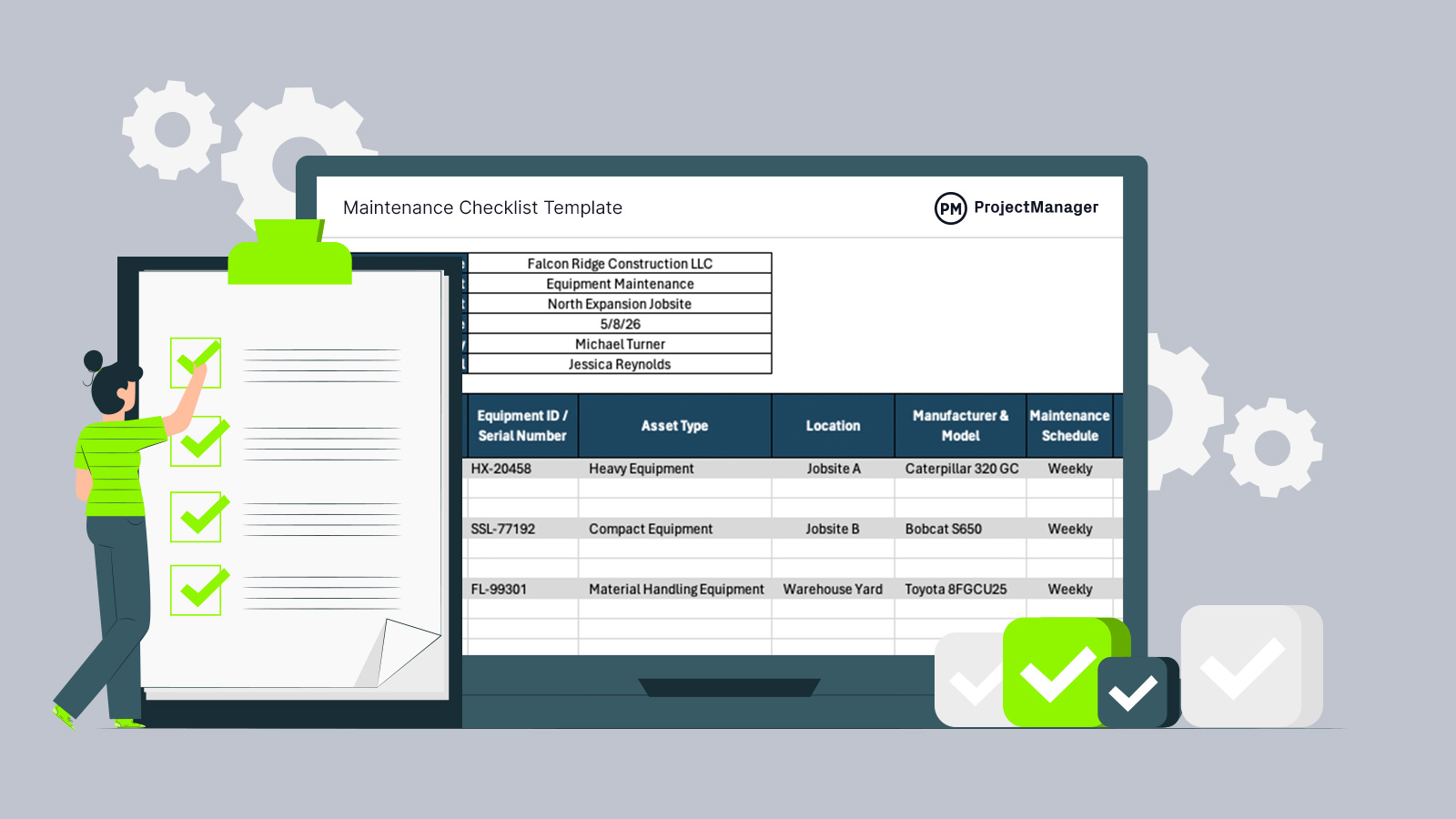
Reliable equipment keeps projects moving, crews productive and costs under control. A maintenance report template helps teams capture service activity in one place, track recurring issues and create cleaner records for planning, audits and smarter repair decisions.
Why You Need a Maintenance Report Template
Operations that depend on machinery cannot afford scattered maintenance planning notes or inconsistent records. This free maintenance report template for Excel is well suited to construction, manufacturing and other equipment-heavy environments where downtime creates delays and extra cost. Teams can log repairs, inspections and completed tasks using the same format each time. Standardized reporting makes trends easier to spot, improves handoffs between shifts and gives managers clearer data when scheduling labor, parts and future maintenance work.
When To Use a Maintenance Report Template
Whenever a business wants clearer records and consistent documentation, this free maintenance report template can be introduced immediately. It works during startup growth, process improvement efforts or routine operations where maintenance reporting needs structure, accuracy and accountability.
- Use it after routine preventive maintenance to record inspections, lubrication, adjustments and completed checklist items.
- Apply it when closing maintenance work orders so labor, materials and outcomes are documented clearly.
- Complete it after corrective repairs caused by breakdowns, failures or urgent equipment stoppages.
- Use it during monthly management reviews to compare downtime patterns and recurring asset issues.
- Fill it out after safety inspections when equipment defects require repairs or follow-up actions.
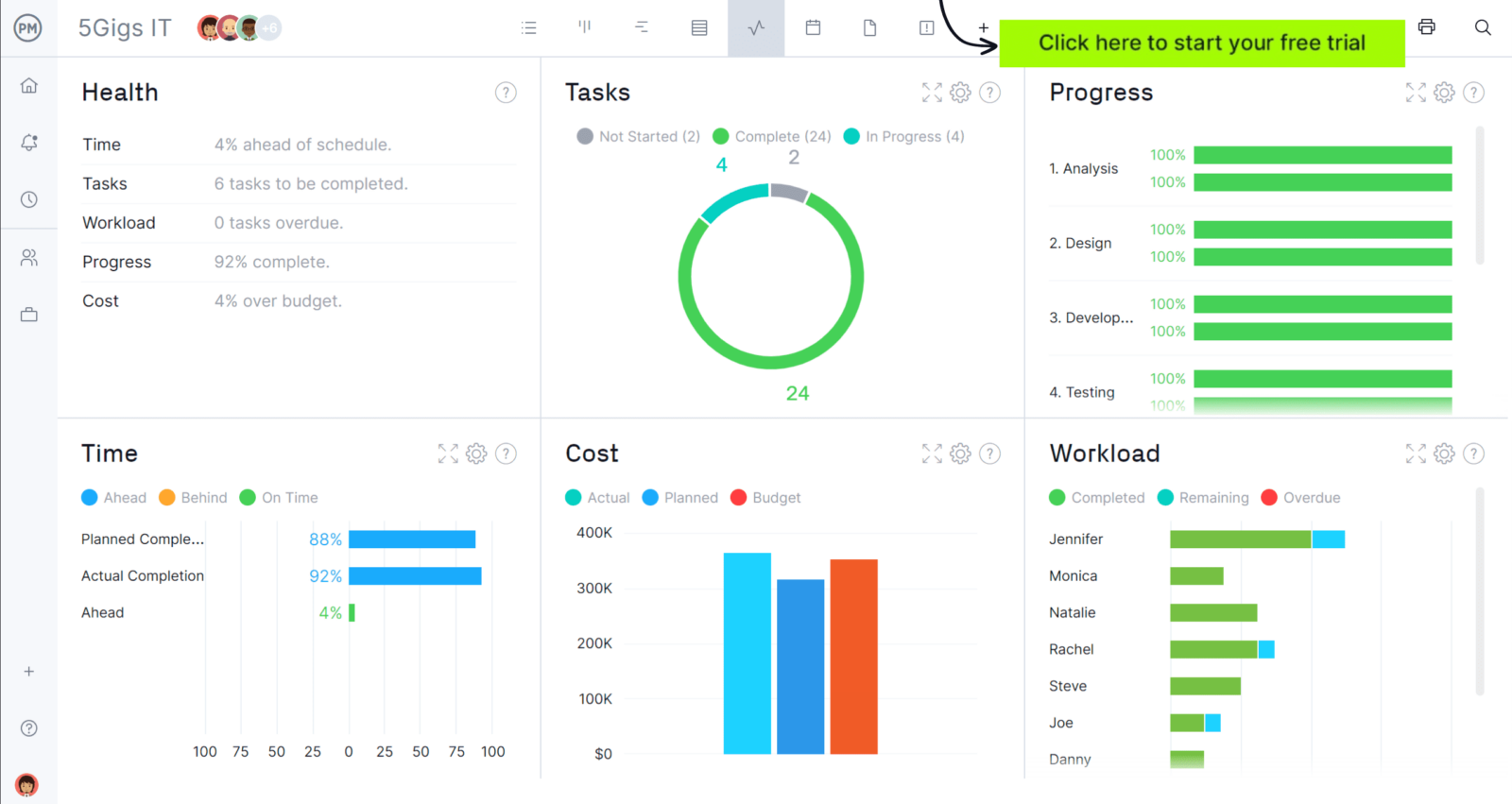
When you’re ready to take control of your projects, try ProjectManager. This award-winning project management software helps teams plan, schedule and track work from start to finish. Create detailed schedules, manage resources, monitor costs and compare planned versus actual performance with a full suite of powerful tools. Get started for free today.
Who Should Use this Free Maintenance Report Template?
We’ve covered why this template fits equipment-heavy industries such as construction and manufacturing. The next step is identifying the people who create, update and rely on these records to keep assets available, compliant and operating efficiently.
- Maintenance managers who review workload, recurring failures and overall equipment performance.
- Maintenance technicians who document repairs, inspections, parts replaced and time spent.
- Plant managers who monitor downtime, production impact and maintenance execution quality.
- Construction site supervisors who track service activity for tools, vehicles and machinery.
- Facilities managers who oversee building systems, contractors and preventive maintenance schedules.
How to Use ProjectManager’s Maintenance Report Template for Excel
Clear records depend on entering the right information in the right order. Use the sections below to complete the spreadsheet quickly, keep reporting consistent and create useful maintenance history that supports scheduling, budgeting and equipment decisions.
1. Enter General Information
Start with the summary table in the upper-left corner of the template. Enter the company name, department responsible for the work, site or plant location, report number, report date and the person who prepared the report. These fields help organize records, support audits and make each report easy to trace later. Consistent numbering also improves filing and retrieval across multiple sites.
2. Enter Asset Details
Next, identify the equipment that received service. Add the asset name, serial number or internal ID, asset type, operating location and manufacturer with model number. Accurate asset details prevent confusion between similar machines, improve maintenance history tracking and help teams order correct replacement parts faster when future repairs are needed.
3. Describe the Maintenance Activities
Once the asset is identified, document what triggered the work and what the team completed. This section turns the report into a useful operating record by explaining the type of maintenance, the issue behind it and the actions taken.
- Maintenance type: Select the category of work completed, such as preventive maintenance, corrective maintenance, inspection, emergency repair, predictive maintenance, calibration, adjustment or replacement. Categorizing the job helps managers measure where time and money are being spent.
- Reason for service: Record why the equipment required attention. Examples include scheduled service intervals, warning lights, unusual noise, failed startup, leak detection, performance loss, safety findings or operator-reported problems.
- Work performed: Summarize the actual tasks completed by technicians. Include repairs made, parts replaced, tests performed, cleaning, lubrication, tightening, adjustments, resets or any troubleshooting steps used to restore normal operation.
4. Document Resource Utilization
After the work is described, capture the resources consumed during service. Enter all parts used, such as filters, belts or batteries, along with materials like grease, sealant, cleaners or fluids. Also explain the work hours that were spent for labor cost tracking. Accurate usage records improve inventory planning, cost tracking and future purchasing decisions.
5. Final Notes and Sign-Off
To close the report, record total downtime using the start and end times, note any issues found and state the equipment condition after service. Finish by obtaining technician and supervisor sign-off so the work is verified, reviewed and formally approved.
How to Manage Work with ProjectManager
ProjectManager is an online project management solution that provides a complete set of work planning, scheduling and tracking tools, including Gantt charts, kanban boards, task lists and real-time dashboards and reports. With these features, teams across industries can build detailed schedules, assign resources and monitor progress, costs and timelines.
ProjectManager also delivers AI-powered project insights to support better decision-making and connects with over 100 tools like Microsoft Project, Acumatica and Power BI. With its open API and wide range of integrations, organizations can seamlessly link ProjectManager to their existing systems. Watch the video below to learn more!
What Other Project Management Templates Can Keep My Project on Budget?
We’ve created free maintenance templates to help construction and manufacturing organizations. Here are some of them.
Maintenance Schedule Template
A maintenance schedule template helps teams plan recurring service by asset, due date and responsible technician. Use it to coordinate labor, reserve parts, track upcoming work and reduce breakdowns that create unexpected repair costs or project disruption.
Maintenance Request Form Template
A maintenance request form template creates a clear intake process for repair needs. Teams can capture issue details, urgency, location and requester information, making it easier to prioritize work, respond faster and avoid costly communication gaps.
Maintenance Checklist Template
A maintenance checklist template standardizes inspections and routine service tasks across equipment or facilities. By verifying each required step, teams reduce missed items, improve quality control and identify wear before failures lead to expensive downtime.
Related Maintenance Planning Content
- How to Make a Maintenance Schedule
- Equipment Maintenance Log: How-to Guide, Example & Free Template
- Maintenance Planning in Manufacturing and Other Industries
- Total Productive Maintenance Essentials: 8 Things You Need to Know About TPM
If you need a tool to help you manage projects, then signup for our software now at ProjectManager. Our online software helps teams across industries plan, track and oversee projects as they unfold. Sign up for a free 30-day trial today!