


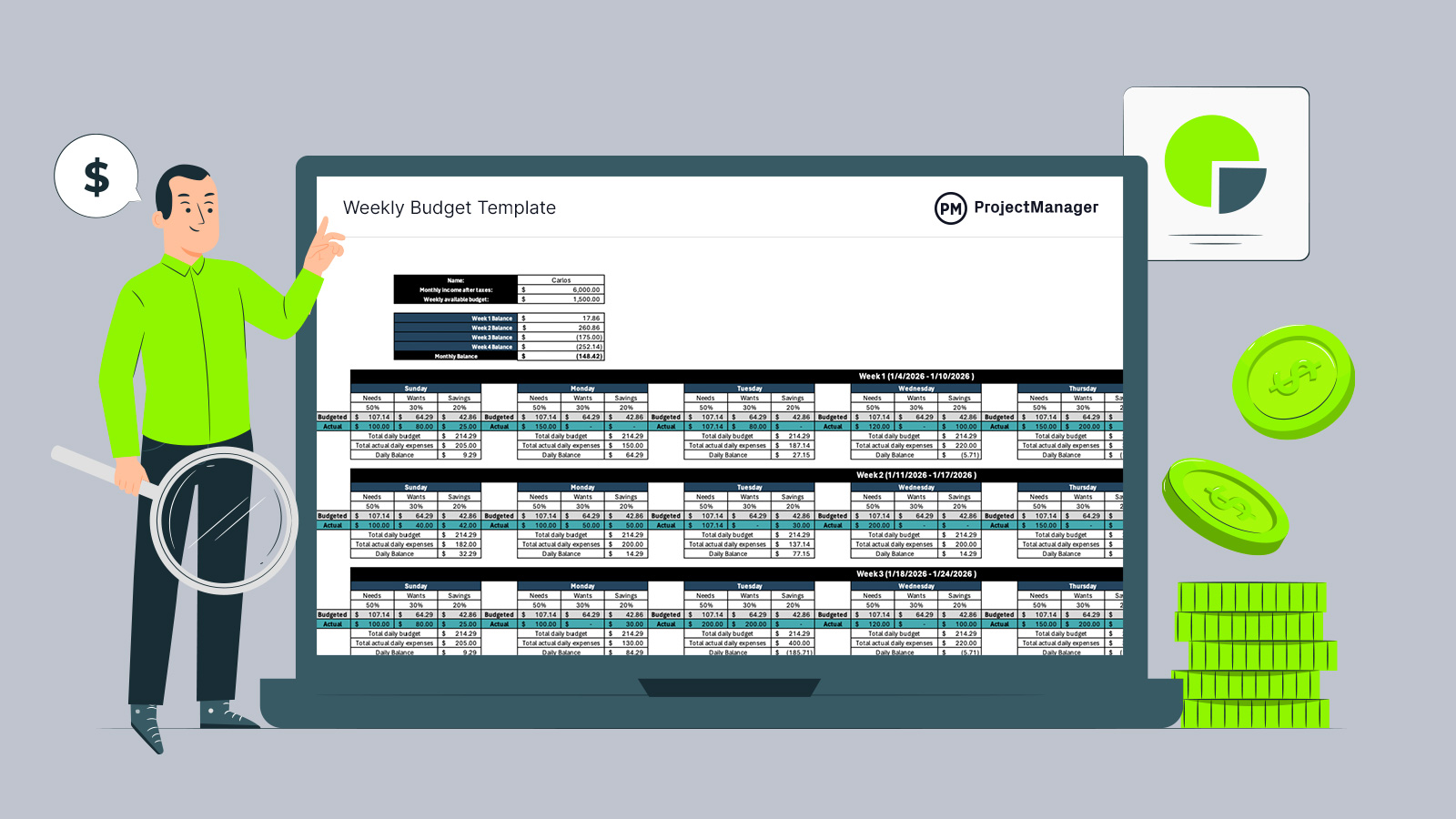
Managing money week by week reveals patterns that monthly views often hide. A weekly budget template helps translate income into daily decisions, making spending visible before problems snowball. For anyone seeking tighter control, this approach encourages awareness, flexibility and faster adjustments without overwhelming spreadsheets or complex financial jargon tools involved.
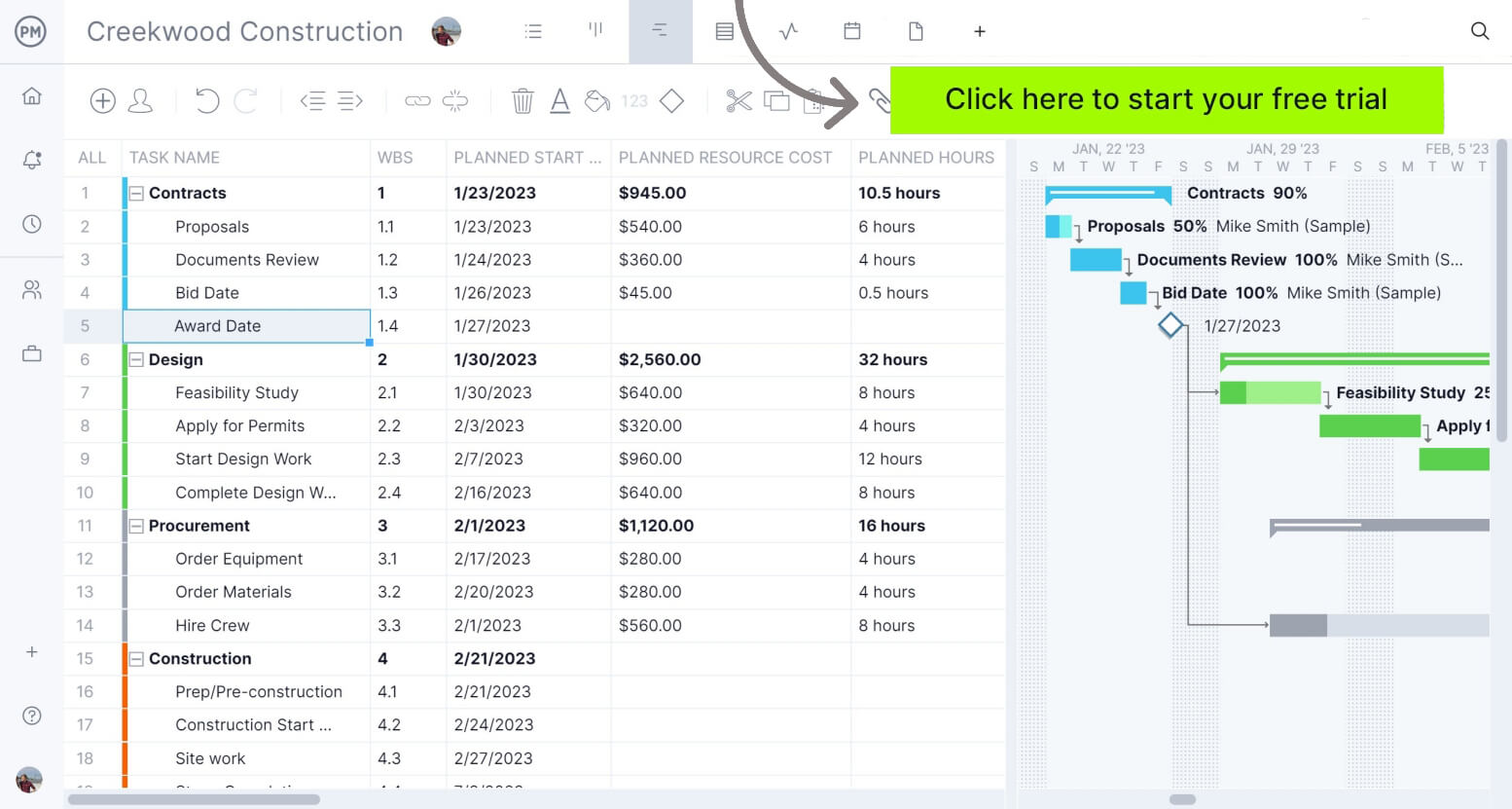
If you’re also interested in managing project budgets, ProjectManager is the perfect tool. ProjectManager offers multiple project views including Gantt charts, task lists, kanban boards and a sheet view, which allow you to plan, schedule and monitor work. The software is also equipped with robust resource allocation and cost tracking features such as workload charts, timesheets and real-time dashboards, which are ideal for estimating project costs, creating project budgets and monitoring them. Get started today for free.
Why You Need a Weekly Budget Template
Short budgeting cycles create accountability and reduce surprises. Using a weekly budget template for Excel makes personal budgeting practical because it aligns with how people actually spend, highlighting overspending quickly, smoothing cash flow between paychecks and supporting better decisions without waiting an entire month to react to issues early financially.
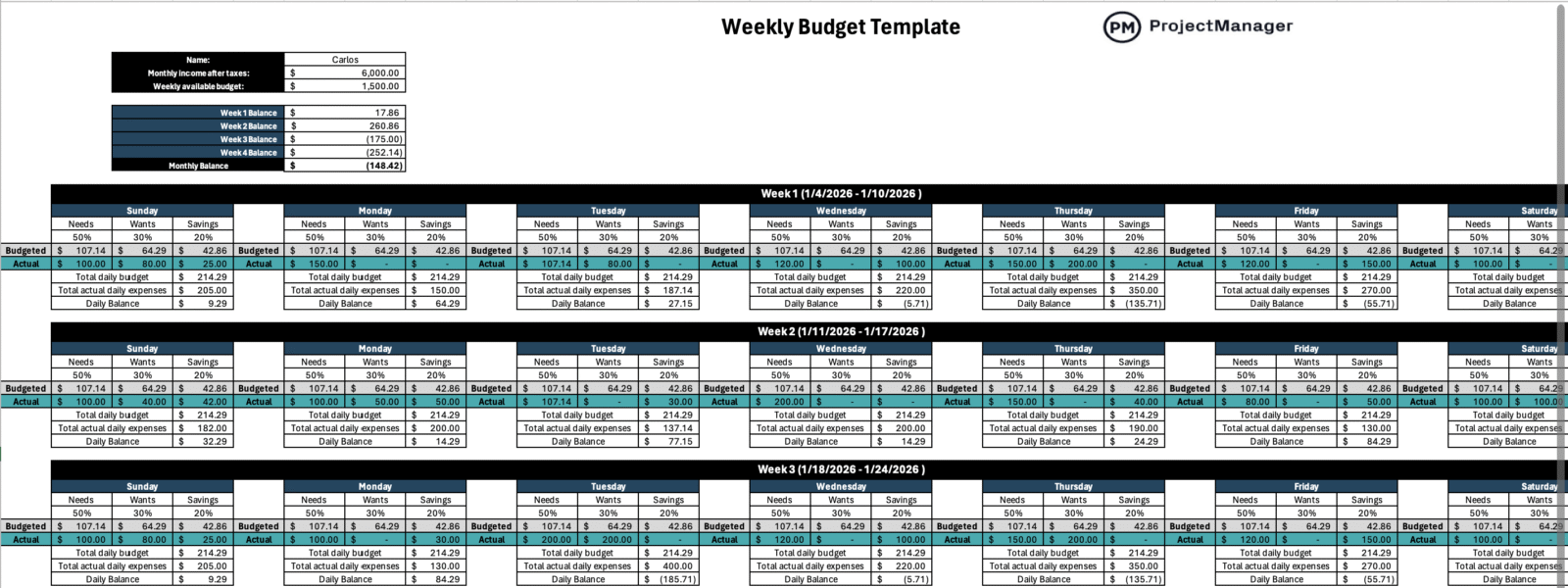
Rather than requiring constant manual math, this weekly budget template relies on embedded formulas to do the heavy lifting. After a single monthly budget figure is entered, the file automatically allocates that amount across weeks and days. As daily expenses are logged, totals update in real time and are measured against available daily allowances. The result is an always-current view of remaining balances, helping users see how everyday choices affect weekly limits and the overall budget without exposing them to complexity or manual recalculations that slow financial awareness and progress.
When to Use This Weekly Budget Template for Excel
Keeping personal expenses under control often requires close attention to cash flow, especially when spending happens week by week. This weekly budget template is designed for everyday personal finance planning, helping individuals and households track routine expenses, set realistic spending limits and identify issues before they escalate. It’s particularly useful for maintaining discipline and visibility in day-to-day finances, while also supporting more demanding periods—such as preparing for a new baby, organizing wedding expenses or saving for education—when timing, priorities and financial pressure increase.
How to Use This Weekly Budget Template for Excel
Built around a flexible framework, this weekly budget template defaults to a 50/30/20 split, distributing daily spending across essential costs, financial goals and discretionary expenses. However, the structure is fully adjustable, allowing alternatives such as 70/20/10, 60/30/10 or any custom ratio that better reflects personal priorities.
Let’s now take a look at each of the steps to use this free weekly budget template for Excel.
1. Enter Your Name and Monthly Income
To personalize the file and activate its calculations, begin by entering your name and your monthly income after taxes. Once that figure is added, the weekly budget template immediately allocates the total across the four predefined weeks.
From there, the same amount is further broken down into daily values, creating a clear spending allowance for each day. This automatic distribution establishes the financial baseline used throughout the template, allowing all comparisons, balances and summaries to update without additional input or manual adjustments.
2. Establish the Weekly Timeframes
With income in place, the next focus shifts to defining the time structure. This weekly budget template is organized around four consecutive weeks, labeled week 1 through week 4.
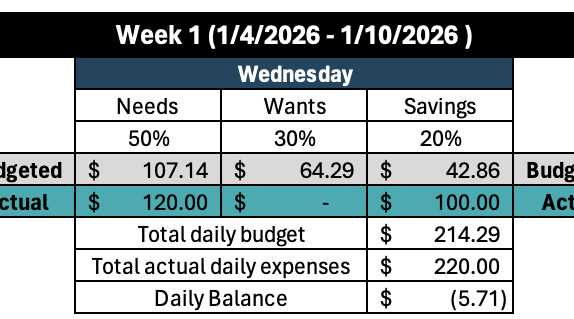
For each week, users simply enter a start date and an end date. Setting these timeframes anchors daily spending to specific calendar periods, ensuring expenses are tracked accurately and aligned with the intended budgeting window.
3. Enter Your Actual Daily Expenses
As each day passes, spending is captured by entering amounts in the “actual” row, which is visually marked in teal for easy reference. This is the only ongoing input required. Every expense added is automatically totaled and deducted from the available daily budget.

The template then displays a running daily balance, giving users immediate visibility into how much remains and whether spending is staying within the intended limits.
4. Assess the Daily, Weekly and Monthly Balances
After daily expenses are recorded, the weekly budget template does the analysis automatically. It calculates a remaining balance for each day and aggregates those figures into a weekly balance for all four weeks.
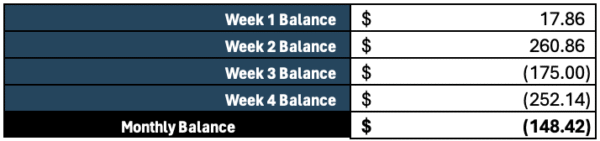
These weekly results are then combined and measured against the original monthly income after taxes. This consolidated view helps users understand the relationship between income and spending, making it easier to spot trends, identify pressure points and adjust habits before the month ends.
Related Personal Budgeting Templates
We’ve created over 100 project management templates for Excel, Word and Google Sheets which can help with both personal and professional projects. Here are some that can help with personal budgeting.
50/30/20 Budget Template
A 50/30/20 budget template organizes income by allocating 50 percent to essential expenses, 30 percent to discretionary spending and 20 percent to savings or financial goals.
70/20/10 Budget Template
A 70/20/10 budget template prioritizes core living costs by assigning 70 percent of income to necessities, 20 percent to savings and 10 percent to lifestyle spending.
ProjectManager Is Ideal for Personal and Professional Budgeting
This weekly budget template can help you plan your personal finances, but if you’re interested in making a budget for a project, ProjectManager is a much better alternative. ProjectManager has multiple tools to plan your work, allocate resources, estimate costs and make a detailed project budget. The best part is that it’s equipped with powerful cost tracking features and tools including timesheets, workload charts, real-time dashboards and reports to easily identify cost variances and overruns so that you and your team can keep projects on budget.