


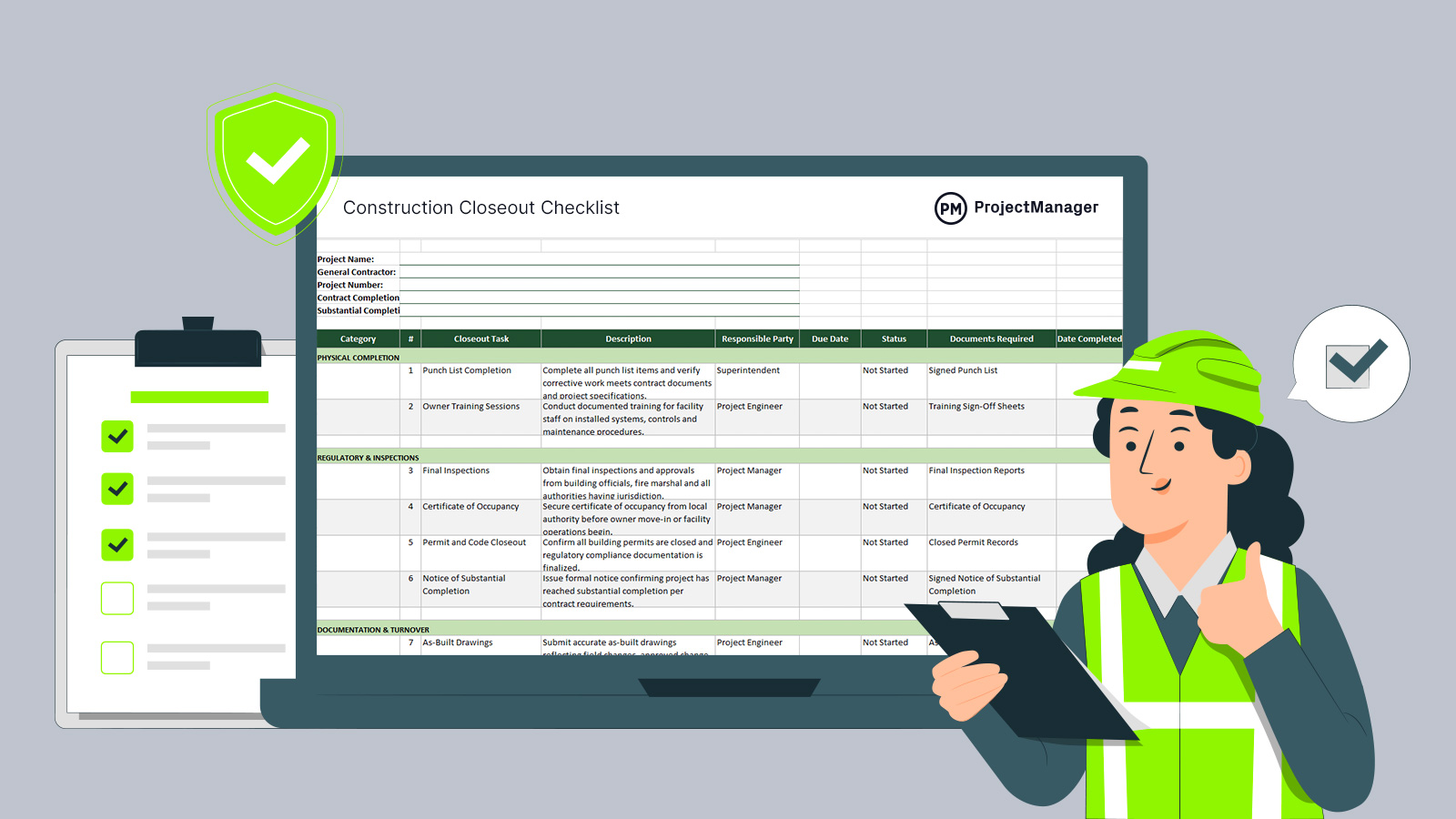
Construction closeout is the final phase of a project – and the most document-intensive. A construction closeout checklist template keeps the project team organized through punch list completion, final inspections, permit closeout, lien waivers and owner turnover so nothing gets missed and retainage gets released on time.
The Excel template below covers the 20 key tasks every construction team needs to complete before a project can be formally closed. Each item includes space to track status, responsible party and due date so the superintendent and project manager always know what’s done and what’s holding up final payment.
What’s in a Construction Closeout Checklist
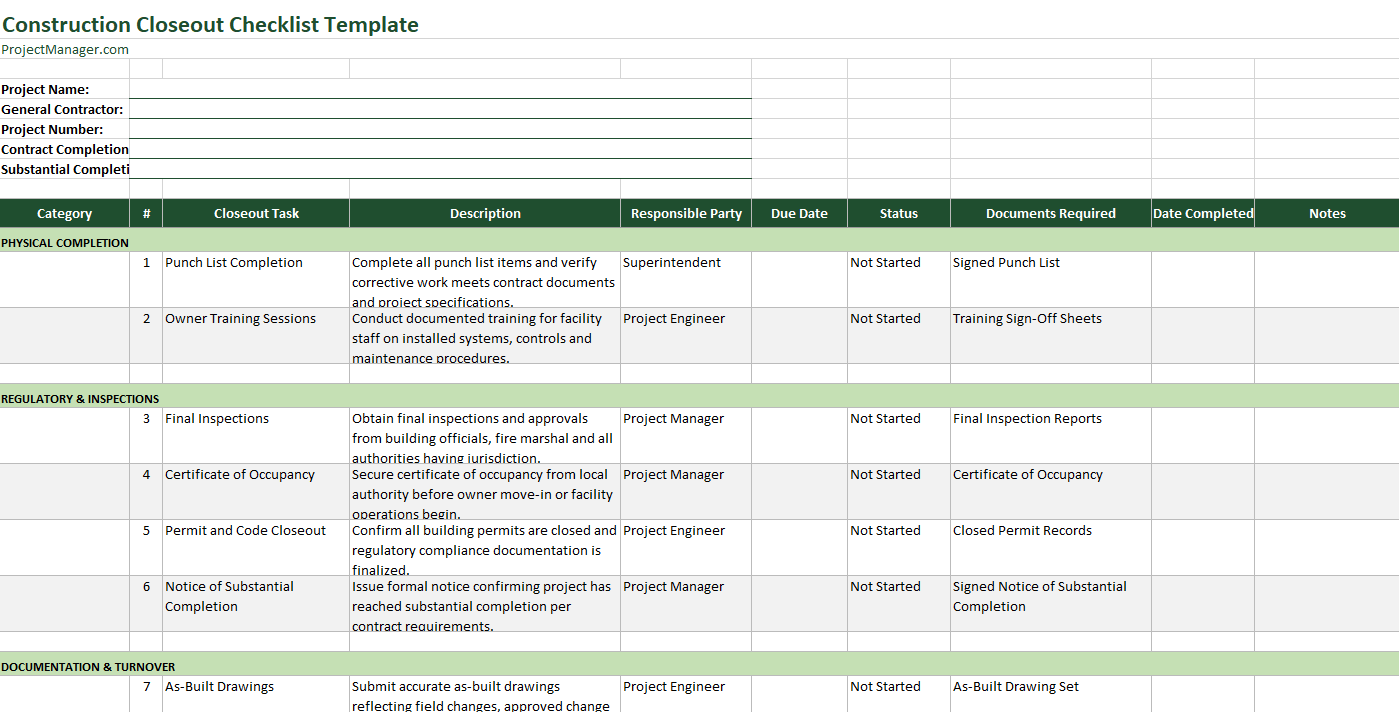
A construction project isn’t complete until the documentation matches the work. Final inspections, authority approvals and financial reconciliation all have to happen in the right sequence, or the closeout drags on and retainage stays locked. This checklist covers every category of the closeout process – from punch list through certificate of occupancy, as-built drawings, O&M manuals, warranties, lien waivers and the final application for payment.
- Punch List Completion: Complete all punch list items and verify corrective work meets contract documents and project specifications.
- Notice of Substantial Completion: Issue formal notice confirming the project has reached substantial completion per contract requirements.
- Final Inspections: Obtain final inspections and approvals from building officials, fire marshal and other authorities having jurisdiction.
- Certificate of Occupancy: Secure certificate of occupancy from the local authority before owner move-in or facility operations begin.
- Permit and Code Closeout: Confirm all building permits are closed and regulatory compliance documentation is finalized.
- As-Built Drawings: Submit accurate as-built drawings reflecting field changes, approved change orders and installed conditions.
- O&M Manuals: Deliver complete O&M manuals with manufacturer data, maintenance procedures and equipment warranties.
- Commissioning and Testing Reports: Finalize commissioning documentation and testing and balancing reports for mechanical, electrical and plumbing systems.
- Owner Training Sessions: Conduct documented training for facility staff on installed systems, controls and maintenance procedures.
- Warranties and Guarantees: Compile and transfer all warranties and guarantees with clear start dates and coverage terms.
- Final Account Reconciliation: Reconcile the final account, including approved change orders, allowances and contingency adjustments.
- Change Order Reconciliation: Confirm all change orders are fully executed and incorporated into the final contract value.
- Final Application for Payment: Submit final application for payment and confirm contractual requirements for retainage release.
- Retainage Release Approval: Verify all contractual conditions are satisfied before authorizing release of retained funds.
- Final Lien Waivers: Collect signed lien waivers from subcontractors and suppliers to prevent post-completion claims.
- Claims and Dispute Resolution: Confirm all outstanding claims, back charges and disputes are resolved prior to financial closeout.
- Insurance and Bond Closeout: Update or terminate project-specific insurance certificates and performance bonds as required.
- Closeout Schedule Update: Update the final construction schedule to reflect actual completion dates and document timeline performance.
- Turnover Materials and Asset Records: Transfer spare parts, attic stock, keys, access credentials and equipment inventory records to the owner.
- Construction Closeout Package: Assemble and submit a complete, organized turnover set of all required closeout documentation for formal acceptance.
Related: Construction Closeout: Documents, Checklist and Tips
Tracking all of this in a spreadsheet template means manual status updates, no notifications and no way to see at a glance which items are blocking final payment. ProjectManager turns the same checklist into a live task list where the team can update progress from the field, attach documents and flag blockers in real time.
How to Use This Construction Closeout Checklist Template for Excel
Download the Excel template and customize it for your project. Each row represents one closeout task. Fill in the responsible party, target due date and current status as the closeout phase progresses. Work through the checklist in sequence – many items have dependencies, and completing them out of order can delay the certificate of occupancy or hold up the final application for payment.
Track Status by Category
The checklist is organized into logical closeout categories: physical completion, regulatory approvals, documentation handover and financial closeout. Use the status column to mark each item as Not Started, In Progress or Complete. Flag any item that’s blocked so the project manager can resolve it before it stalls the overall closeout timeline. Update the checklist weekly during the closeout phase and share it with the owner so they can see where the project stands.
Assemble the Closeout Package
As items are checked off, collect the corresponding documents – inspection reports, certificates, warranties, lien waivers, as-built drawings – and organize them into the final closeout package. The last item on the checklist, the construction closeout package, isn’t complete until every document above it has been collected and handed over. Use the template to confirm nothing is missing before submitting the final application for payment.
How to Manage Construction Closeout With ProjectManager
ProjectManager is award-winning construction project management software with tools built for every phase of the job – including closeout. Convert the checklist into a live task list, assign items to the right team members and track completion without chasing status updates by phone or email.
Assign Closeout Tasks and Set Due Dates
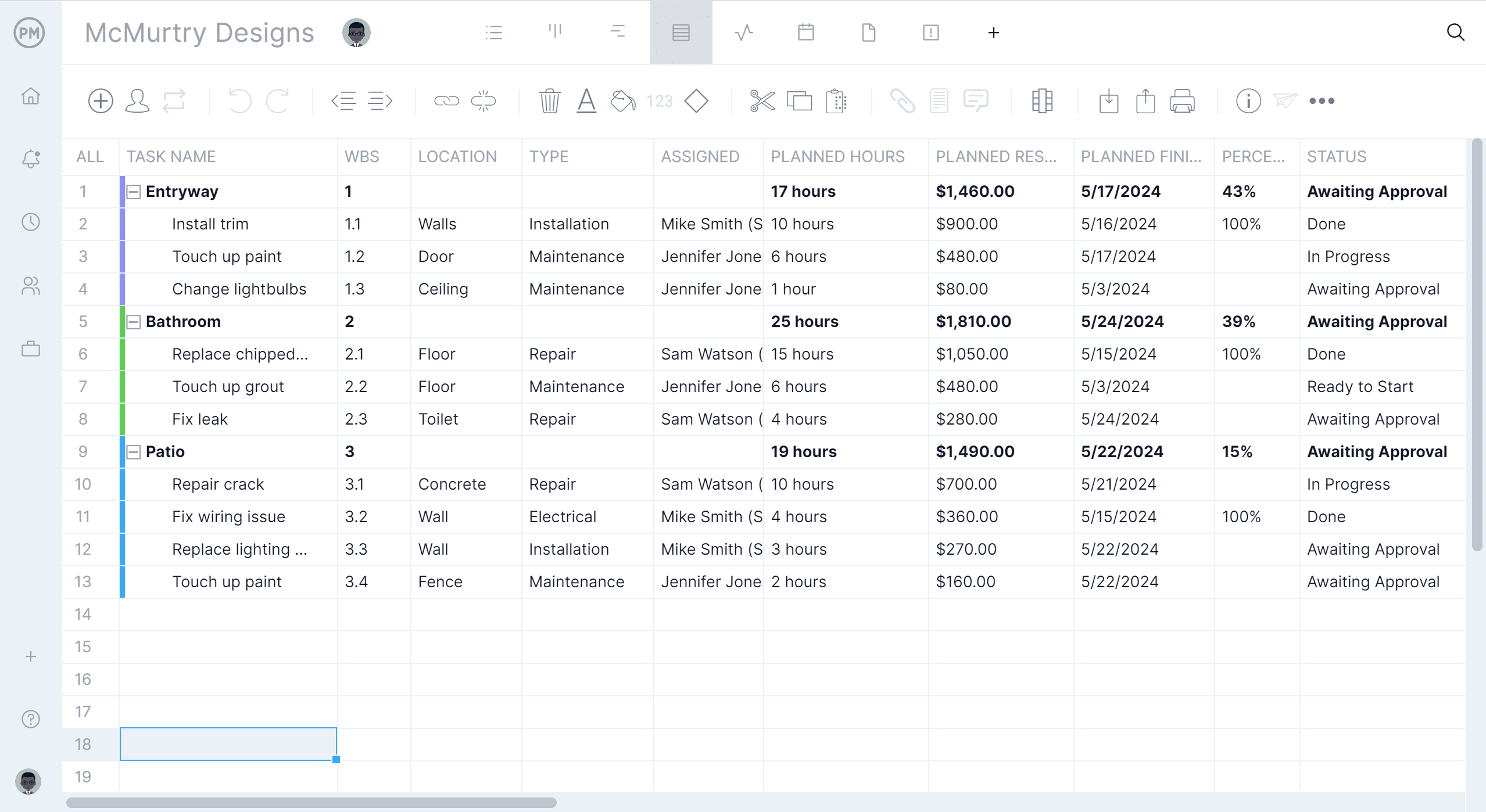
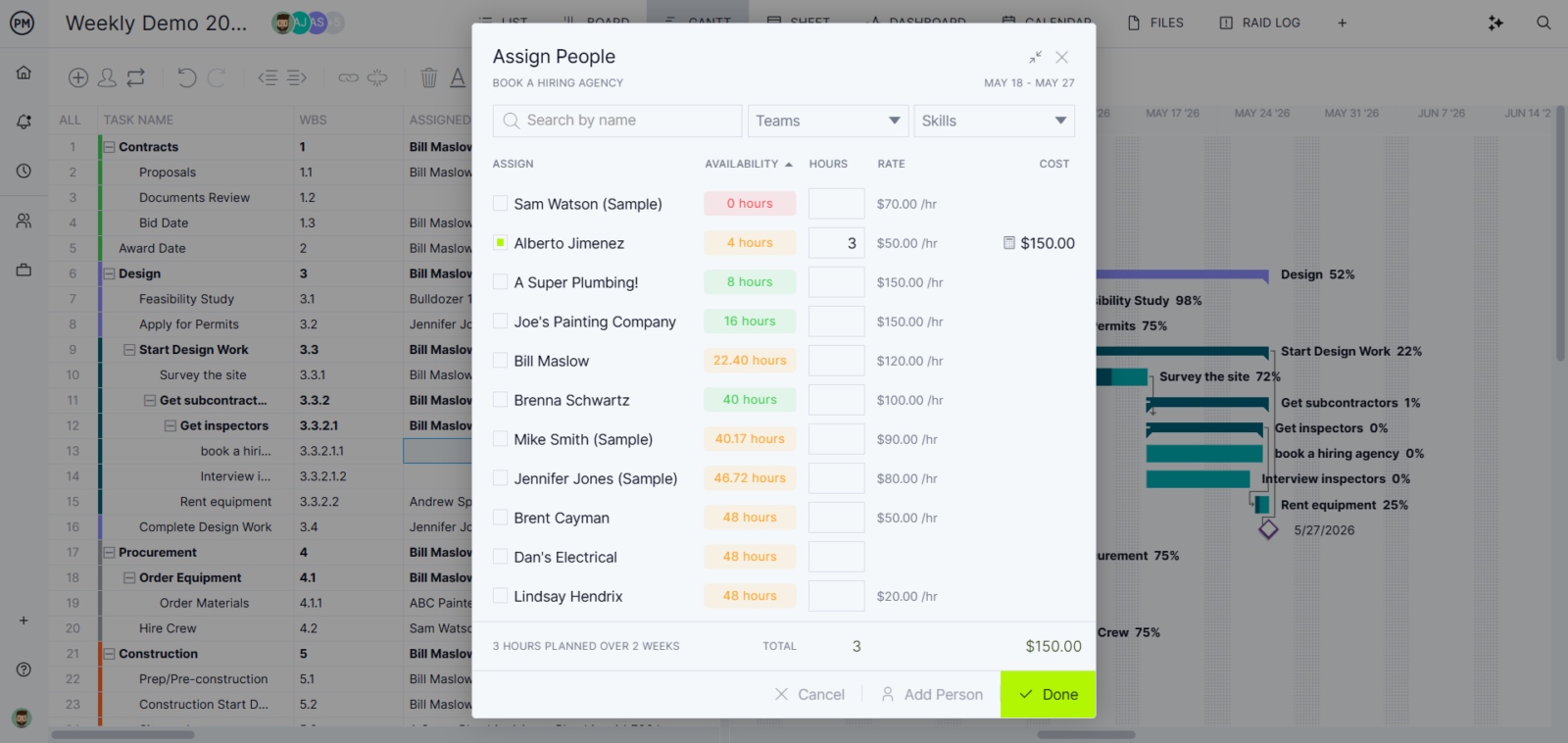
Add each closeout checklist item as a task in ProjectManager and assign it to the team member responsible – superintendent, project engineer, PM or accountant. Set due dates tied to the overall project closeout deadline and attach relevant documents directly to the task. Team members get notified when tasks are assigned and can update their own status from the field, keeping the closeout log current without extra admin work.
Monitor Closeout Progress on a Real-Time Dashboard
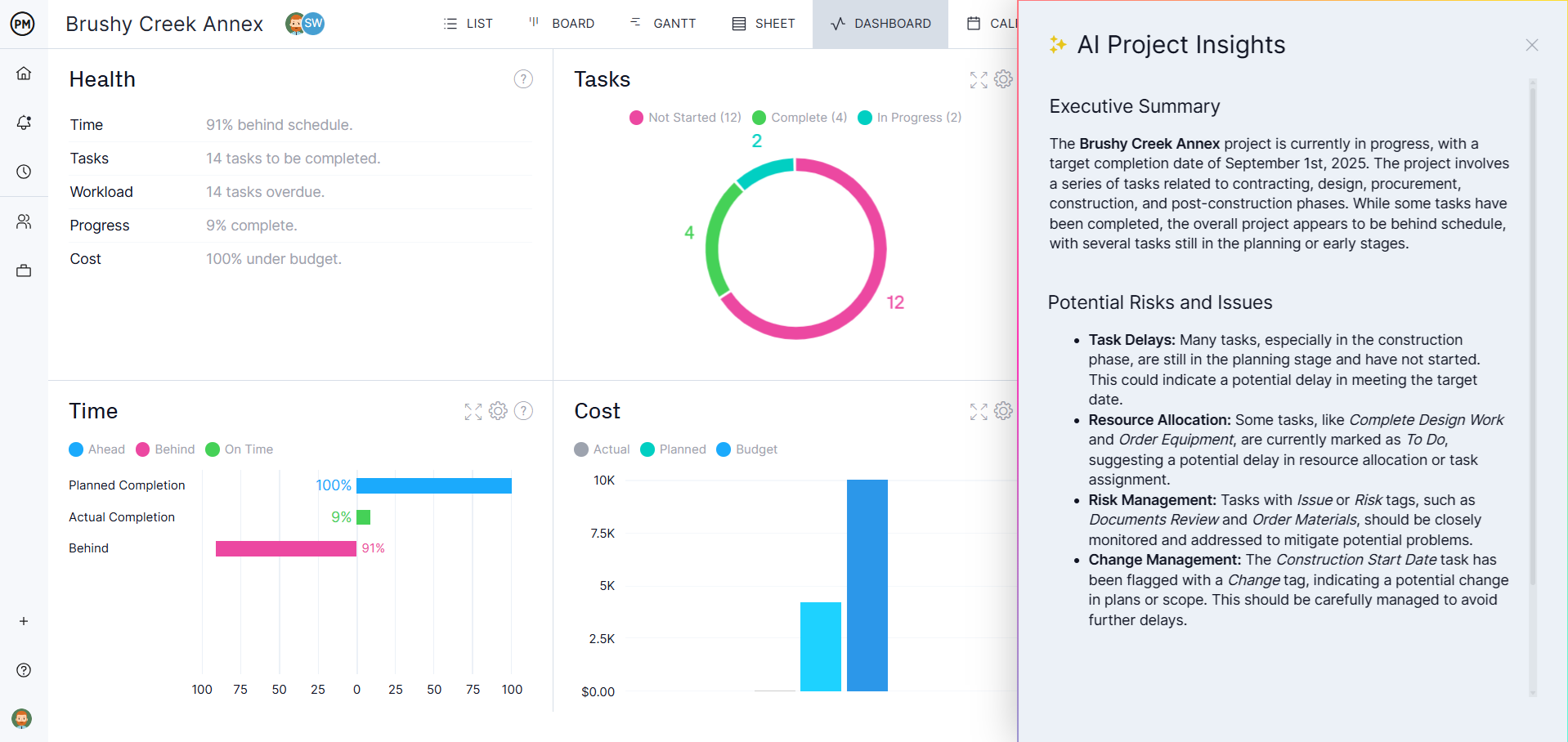
Once tasks are assigned, the project dashboard gives the project manager a live view of closeout progress – how many items are complete, what’s overdue and what’s still pending. Customizable reports let you generate a closeout status summary for the owner or GC without pulling numbers from a spreadsheet. When everything on the dashboard is green, the closeout package is ready to submit.
Related Content
- Construction Closeout: Documents, Checklist and Tips
- Punch List Template
- Construction Management Plan Template
- Building Inspection Report Template
- Construction Project Management Guide
ProjectManager is cloud-based project and portfolio management software that connects construction teams in the office, in the trailer and out on the job site. Teams can update task progress, attach closeout documents and stay aligned with real-time notifications. Get started with ProjectManager today for free.